23
EXCEL HR OPERATOR MANUAL
D1796, REV. D, 12/16
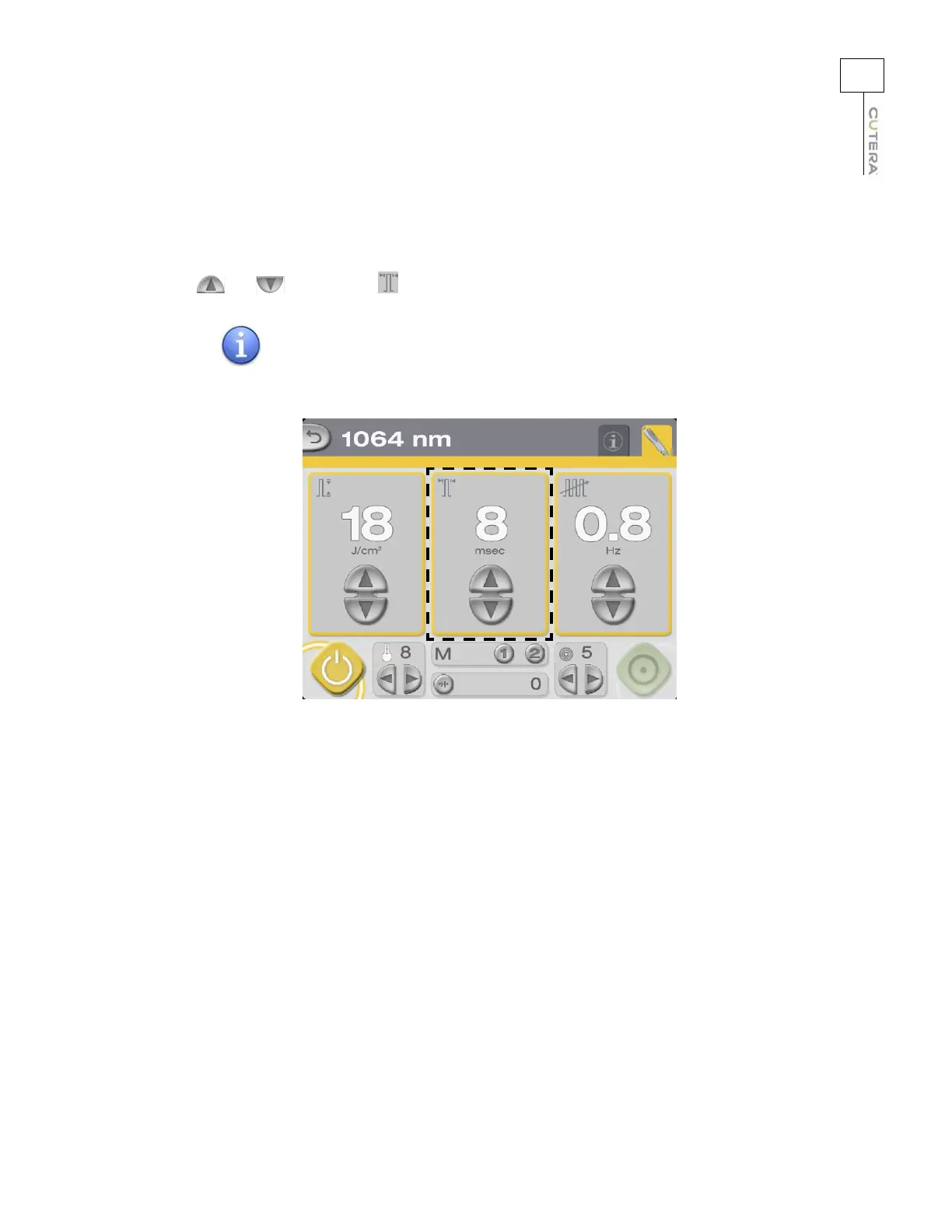
Selecting the Pulse Width (1064 nm only)
Pulse width, or duration, refers to the amount of time during which therapeutically effective treatment
energy is delivered; it is measured in milliseconds (ms). Select the desired pulse width by pressing the
and buttons in the (pulse width) field.
The pulse width is fixed at 3 ms for the 755 nm Alexandrite
wavelength.
Location of Pulse Width Controls and Display on 1064 nm Treatment Screen
NOTE



 To Next Page