25
EXCEL HR OPERATOR MANUAL
D1796, REV. D, 12/16
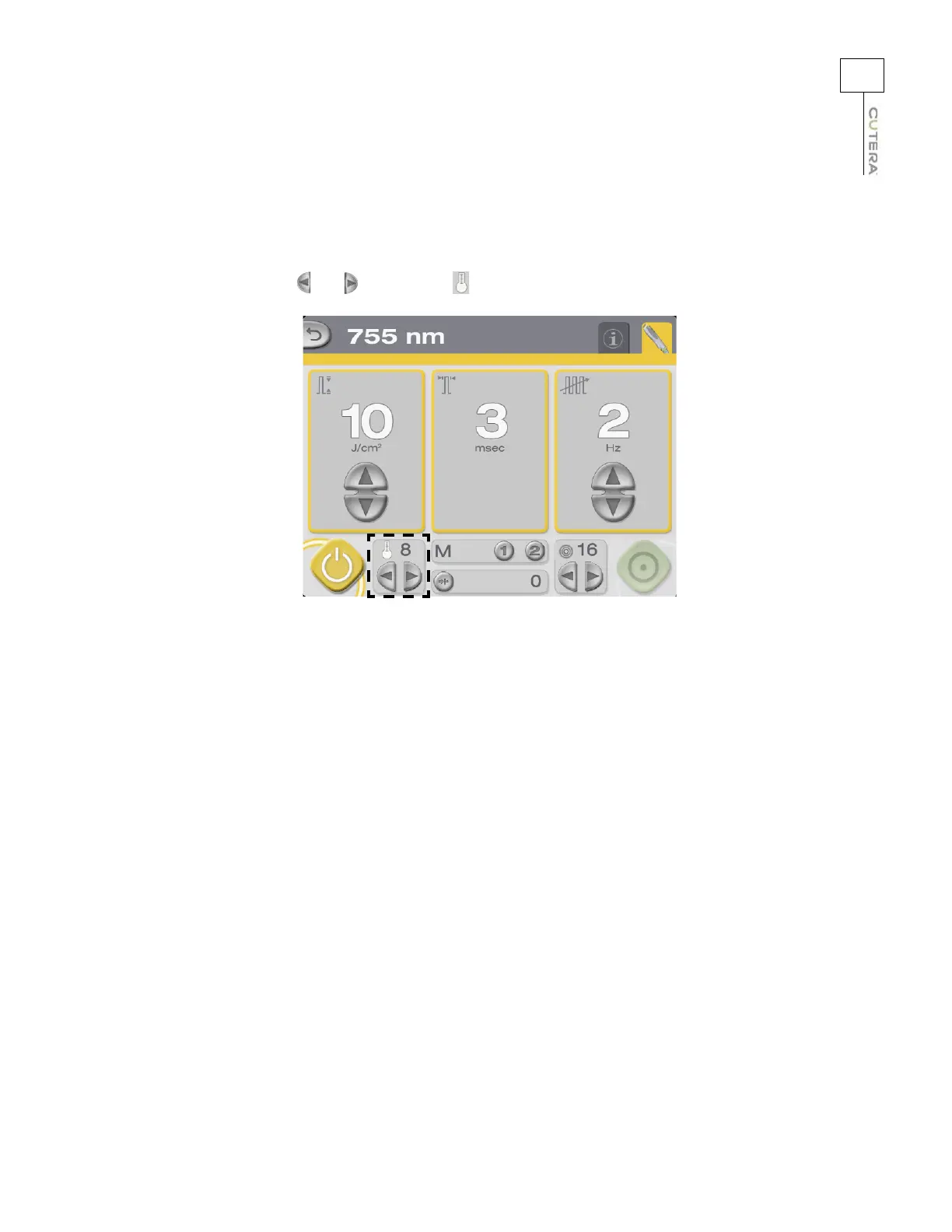
Selecting the Temperature of the Sapphire Cooling Window
The excel HR handpiece features an integrated sapphire cooling window, which allows you to adjust
epidermal cooling to increase safety and efficacy. Select the desired temperature of the cooling window
by pressing the and buttons in the (temperature) field.
Location of Temperature Controls and Display on 755 nm Treatment Screen



 To Next Page