10
EXCEL HR OPERATOR MANUAL
D1796, REV. D, 12/16
Display Screens and Controls
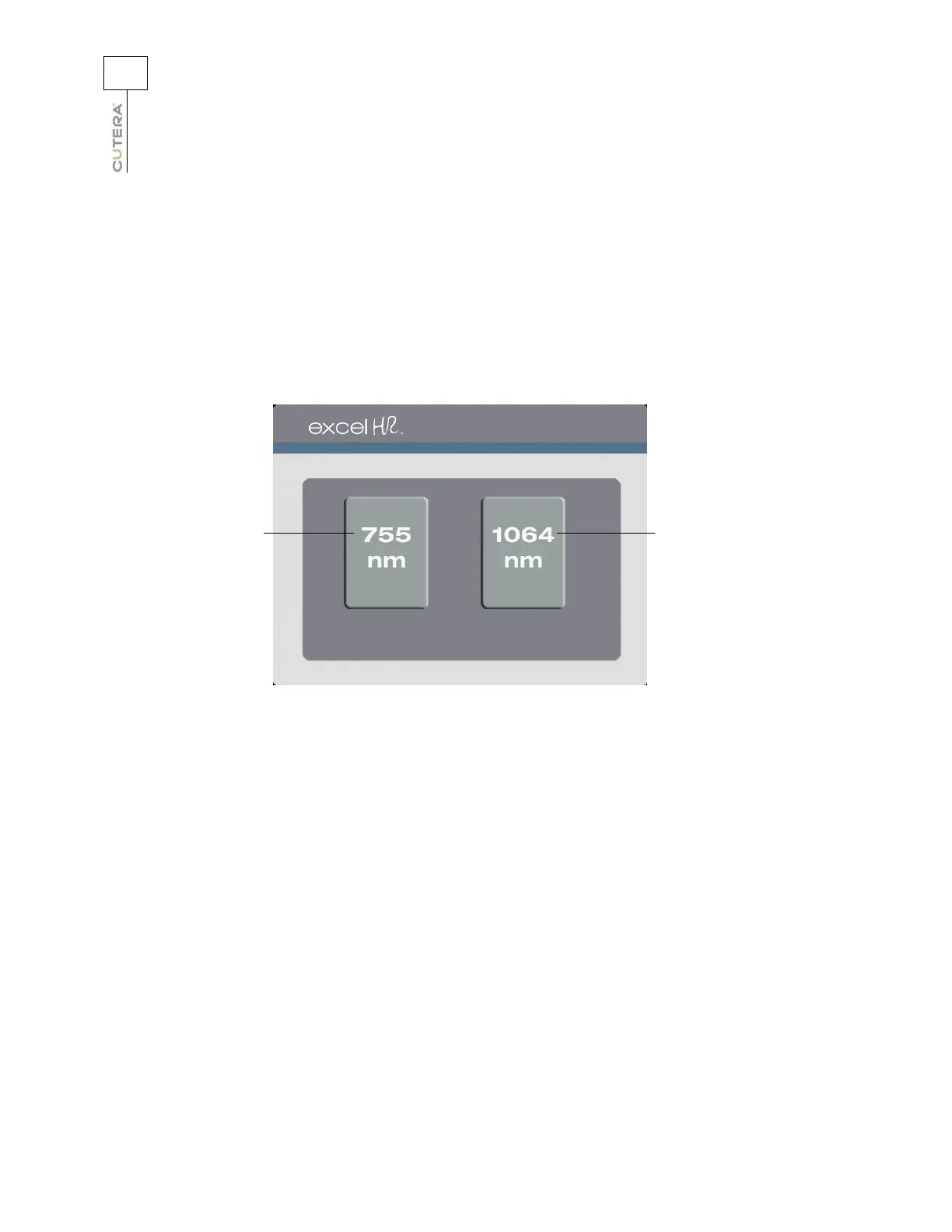
Select Screen
After the console has been turned on and the system self-test has been completed, the Select screen
displays, and the system is automatically placed in STANDBY mode. In STANDBY, the footswitch is
disabled and no treatment energy is available.
Touch the button for the desired wavelength to go to the corresponding
Treatment screen.
Touch to select 755 nm
wavelength and go to
corresponding
Treatment screen
Touch to select 1064 nm
wavelength and go to
corresponding
Treatment screen
Select Screen



 To Next Page