16D-Link DCS-935L User Manual
Section 2 - Installation
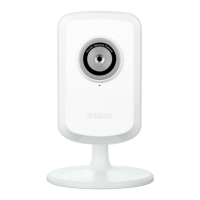
Themydlinkpagewillautomaticallycheckfornewdevices.Oncemydlinkdetectsyour
camera, a notice will appear that says, Zero Conguration(atthebottomofthescreen).
Click the notication to continue.
Add Your Camera to Your mydlink Account
FromacomputerconnectedtotheInternet,openaWebbrowser(e.g.,InternetExplorer,
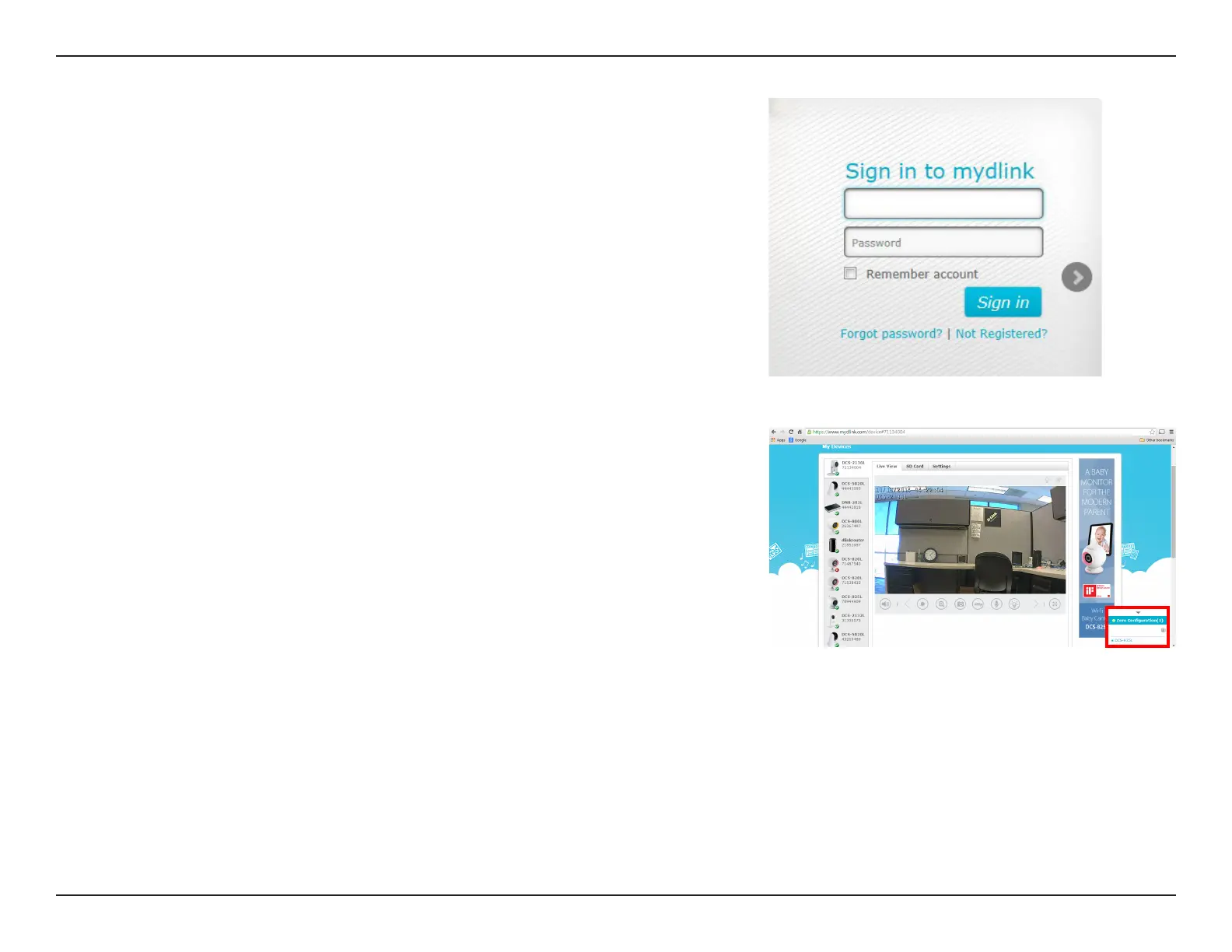
Chrome,FirefoxorSafari)andgotohttp://www.mydlink.com.Signintoyourmydlink
account.




 To Next Page