19D-Link DCS-935L User Manual
Section 2 - Installation
Mounting the Camera
Tomountyourcameraonawallorceiling,pleasefollowthestepsbelow.Werecommendthatyoucongureyourcamerabeforemountingit.
Step 1
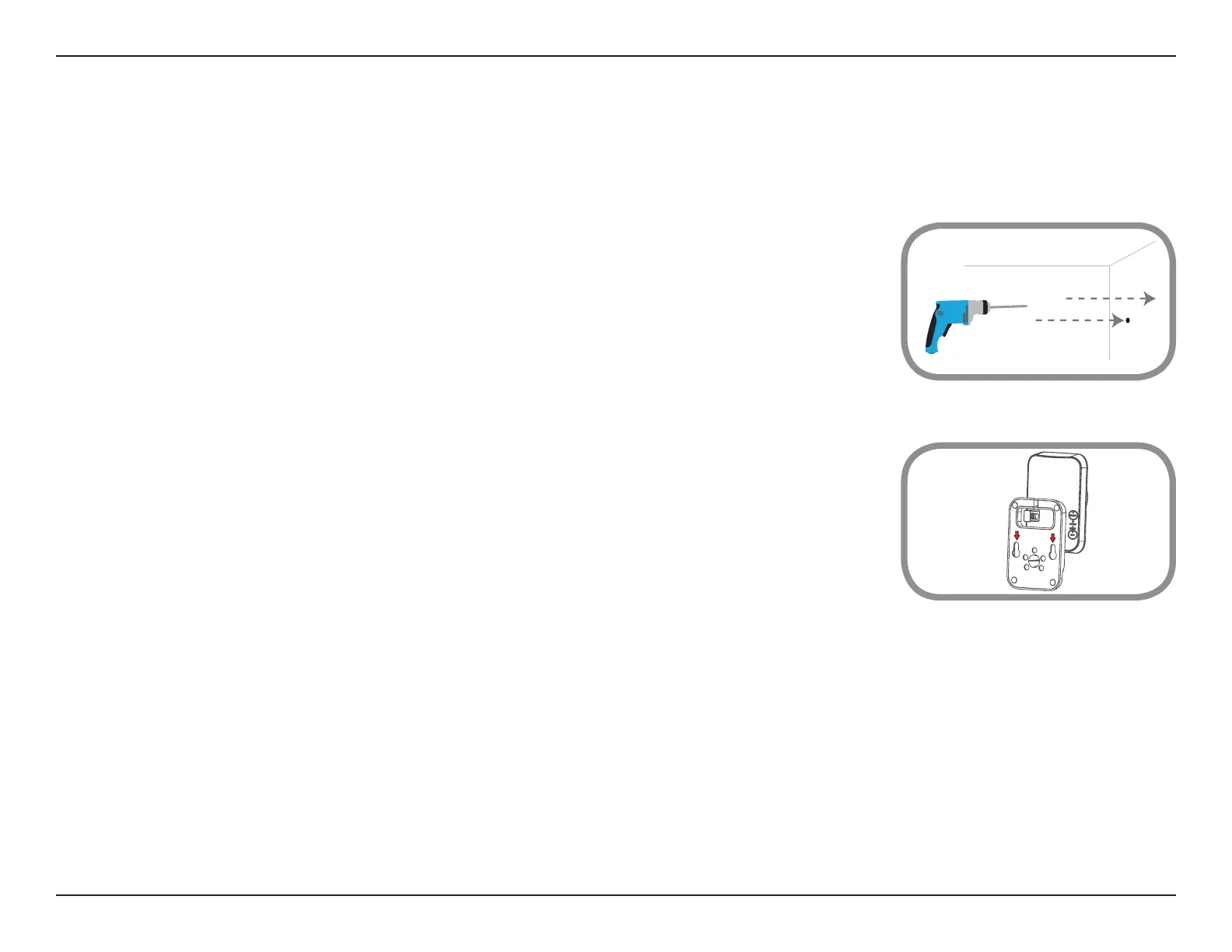
Useapenciltomarktwopointsonthewallorceilingthatare40mm(1.6in)apart.Usea6mmdrillbitto
drilltwoholes25mmdeep(about1indeep)whereyoumarked.Insertthescrewsintotheholes.Whenyou
tighten the screws, leave 2mm for tting the mounting base over the screw-heads.
Step 2
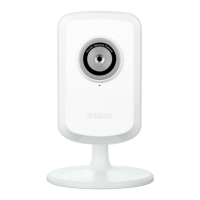
Placethemountingbaseoverthescrewsthatareinsertedintothewallorceiling.Makesuretotthescrew-
heads over the big holes in the base, and slide the mounting base downward to lock it rmly into place. Lightly
pullthebaseforwardtomakesurethatitislocked.Adjusttheangleofthecameraasneeded.
Note: If the wall is made out of concrete, before inserting the screws, insert the plastic anchors to support the screws.




 To Next Page