34
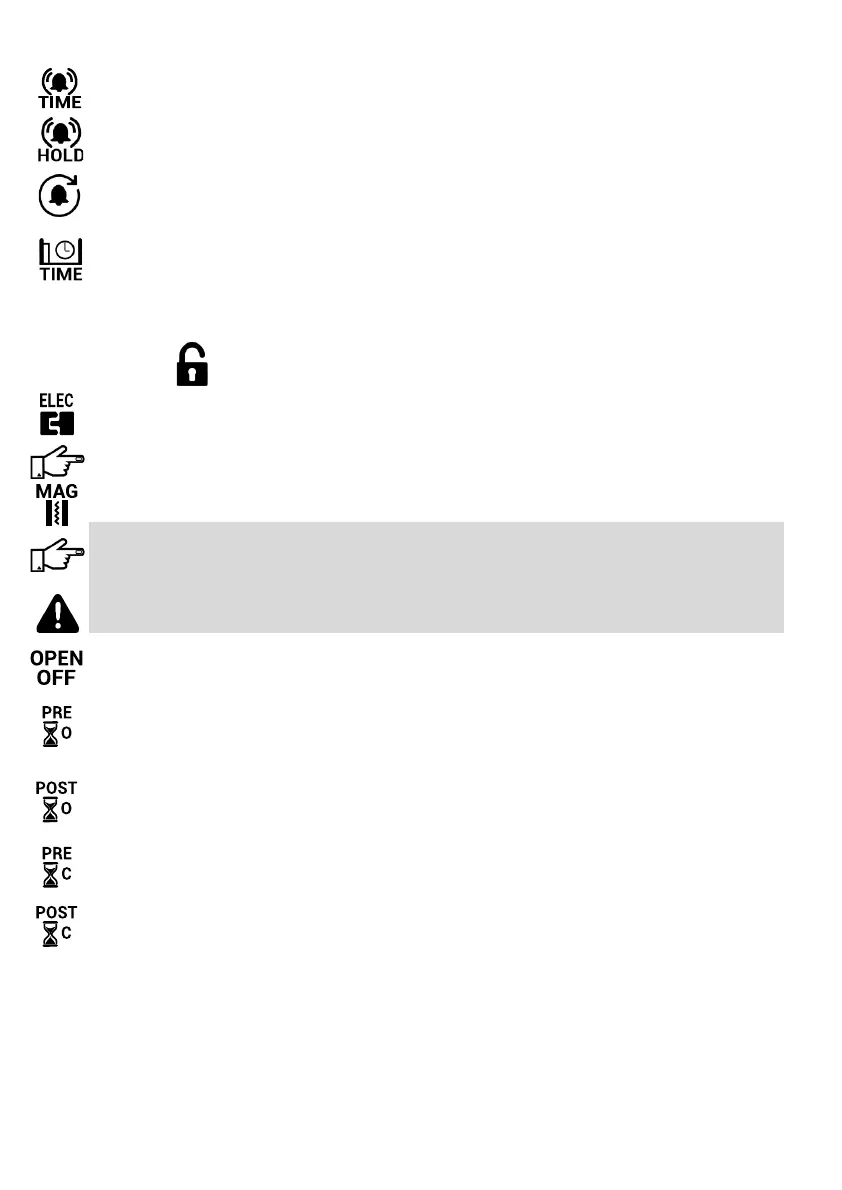
Alarm Duraon
This seng adjusts the duraon that the alarm output will remain acve.
Hold Alarm
This seng will keep the alarm output acvated for as long as an alarm condion persists. The alarm
output will only switch o aer the alarm condion is removed and the alarm duraon me has expired.
Rearm Duraon
This seng prevents alarm condions from connuously retriggering the alarm output. The alarm input
will only rearm aer the alarm condion is removed and the Rearm Duraon has expired.
Stand Open Time
This function sets the maximum length of time that the gate can stand open before the Gate Open Alarm
function is enabled thereby activating the alarm output. When setting the Stand Open Time, take into
consideration any Auto Close times set and the time required to enter or exit through the gate.
……..connued
LOCK SETTINGS
Electric Lock
This function enables the use of an electric lock with the operator (see pg. 26 for wiring diagram).
In the event that power to the gate operator is lost, the gate will remain locked and the electric lock will
have to be opened manually.
Magnec Lock
This function enables the use of a magnetic lock with the operator (see pg. 26 for wiring diagram).
In the event that power to the gate operator is lost, the magnec lock will automacally unlock.
Magnec locks are not suitable for use with solar powered systems. Magnec locks draw large amounts
of power which will signicantly reduce the number of mes the gate operator can be operated during a
power failure.
Enabling the Magnec Lock funcon when using an Electric Lock will result in the Electric Lock being
damaged.
O When Open
This funcon reduces power consumpon of magnec locks by switching the magnec lock o while the
gate is open. The lock will only be switched on again when the gate is closed.
Pre Open Delay
This seng is used to create a short delay before the gate opens, during which me the lock will unlock.
This should be applied when using an electric lock to prevent the gate opening before the electric lock
has unlocked.
Post Open Delay
This seng allows the gate to move away from the ’locked’ posion before the locked state is restored
to the lock. It is especially useful for magnec locks that may pull the gate back if re energized before the
gate has moved far enough away from the locked posion.
Pre Close Delay
This seng is only used where the gate is locked in the open posion and needs to be released prior to
closing.
Post Close Delay
This seng keeps the lock unlocked for a short period aer the gate starts closing. Used with magnec
locks to prevent the gate from slamming shut while closing if the ‘O When Open’ seng is not selected.



 To Next Page