36
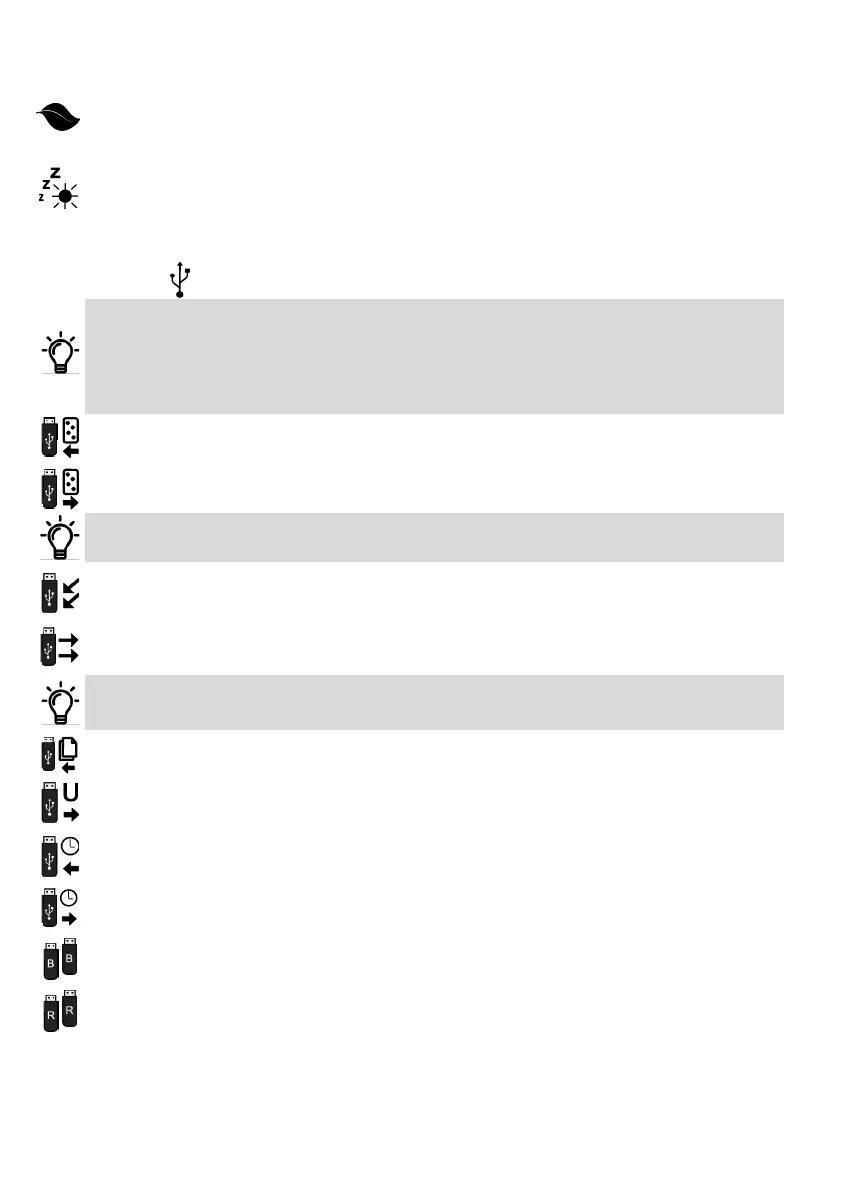
Deep Sleep
This funcon places the controller into ‘Deep Sleep’ when the input power supply fails. Internal process-
es, LEDs and external devices connected to the controller are switched o. Receiver response me is
slightly reduced. Baery standby me is increased by ± 1200%.
Solar Sleep
If enabled, this funcon allows the controller to enter into the selected sleep mode (Light, Medium or
Deep) while the input supply voltage is at a normal level. This is an advantage when the controller is
connected to a solar panel and the maximum amount of energy must be diverted to charging the baery.
USB SETTINGS
It is recommended that a full backup is made of the controller onto a USB Flash Drive or an Android
device connected to the USB input. This is parcularly important when automang a complex so that all
sengs can be restored easily should the operator require repairs or replacement.
Check the DACE website regularly for Tritek soware updates. Save the updated soware on to a USB
Flash Drive or Android device and update the Tritek controller. Remember to make a full backup of the
controller before loading the updated soware.
Save Users
Saves all the Remote, Group and Time Management sengs onto a USB Flash Drive or Android device.
Restore Users
Restores all the Remote, Group and Time management sengs previously saved with the Save Users
funcon to the controller.
Any users added aer the users were last saved onto the USB Flash Drive or Android device will be lost
with this operaon.
Save Sengs
This feature will save only the gate sengs, it excludes the user sengs i.e Remotes, Groups and Time
Management. A useful feature for a contractor who can cut down setup mes by using a le of frequent-
ly applied gate sengs
Restore Sengs
Restores the gate sengs to the controller previously saved using the Save Sengs funcon.
The Tritek controller, by default, generates a Log File. This is a log of the last 1,024 events. These events
include user acvity, type of operaon, mes, faults, power loss, alarm acvaon etc. This can assist with
fault nding and the tracking of users entering or exing the premises.
Save Log le
Saves the Log File to a USB Flash Drive or Android device connected to the USB input.
Software Update
Upgrade or downgrade the current version of software to that saved on a USB Flash Drive or Android
device. The software version must be compatible with the hardware level.
Save Time Manager
Saves the Time Manager settings and times to a USB Flash Drive or Android device connected to the USB
input.
Restore Time Manager
This function will restore all the Time Manager settings and times saved using Save Time Manager.
Backup Controller
This funcon does a full controller backup and includes Remotes, Groups, Time Management and the
gate sengs and mes onto a USB Flash Drive or connected compable Android phone.
Restore Controller
This funcon restores the controller from a full backup.
……..connued



 To Next Page