37
Connues……...
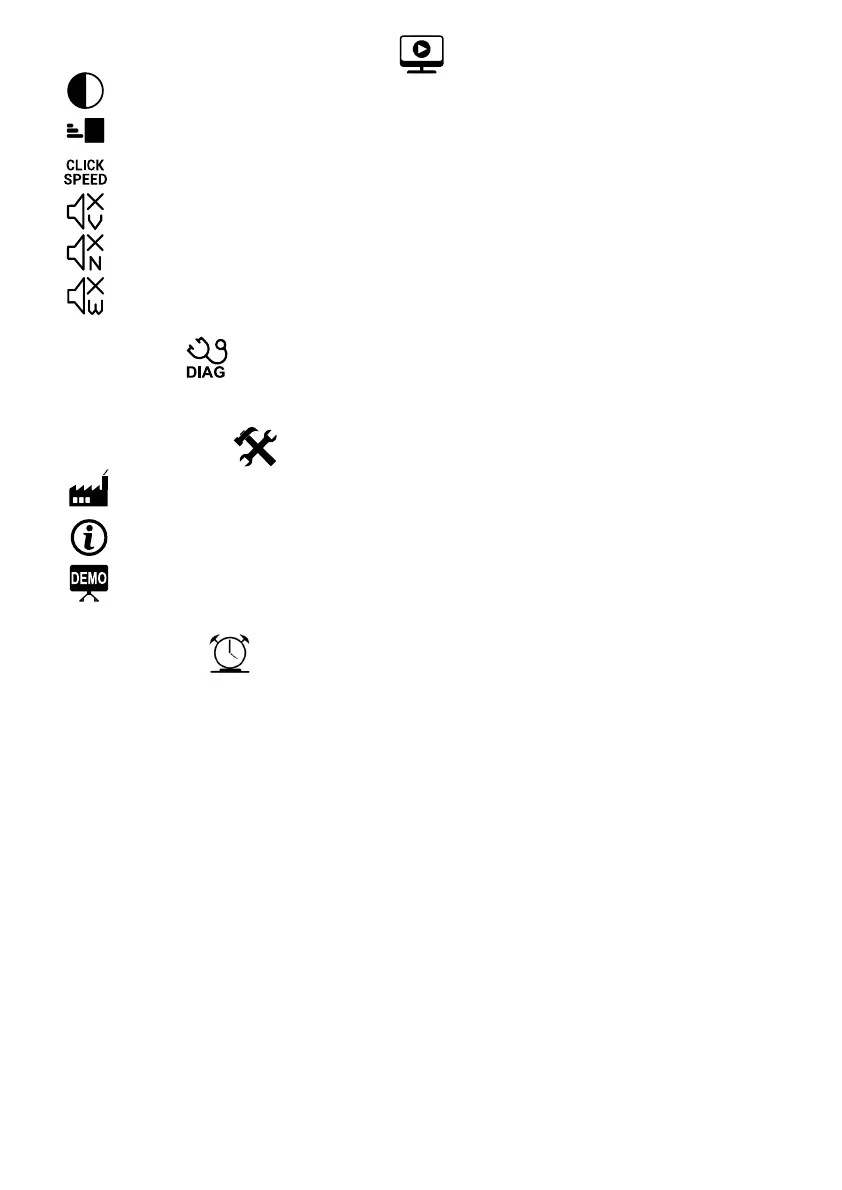
HID SETTINGS (Human Interface Device)
Contrast
Adjust the display contrast for beer viewing.
Cursor Speed
Adjust the cursor speed for easier selecon of icons.
Click Speed
Adjust how fast the joysck reacts to being held down or mulple presses.
Voice Assistant
Enable or disable the Voice Assistant during programming.
Nocaons
Enable or disable nocaon sounds & messages e.g. blocked beams.
Warning Sounds
Enable or disable warning sounds & messages e.g. low baery.
DIAGNOSTICS
Used to run self diagnosc tests on the controller to check all the inputs and outputs. Follow the voice
prompts and instrucons during the test.
GENERAL SETTINGS
Factory Reset
This funcon erases all sengs and remotes and returns the controller to the original factory default
state.
Controller Info
This funcon displays the controller serial number, the soware version and the hardware version.
Enable Demo Mode
In demo mode, the controller will automacally trigger the operator open every minute. The operator
can be closed with a trigger input or Auto Close can be enabled.
TIME MANAGER
Time Manager is a powerful feature that allows for me restricted access and funcon control. With Time
Manager it is possible to perform various me dependant tasks such as switching garden lights on at night or
allowing limited access to the premises by a domesc worker.
With Time Manager, you can disable any of the 8 Inputs (INF/CLS, INF/OPN, LCK/STP,TRIG,PED,LOOP,C/LGHT or
TAMPER) at mes you do not wish for that input to be used. It is, for instance, possible to disable the Trigger input
at night to stop access through connected keypads aer business hours.
Any of the four Outputs (ALARM, PULSE, LIGHT or LOCK RELAY) can also be acvated by Time Manager at desired
mes. The LIGHT output could be used, for instance, to switch garden lights on through a connected relay module
during specic hours.
If mulple remote Groups (see Remote Sengs) were created, it is possible to use Time Manager to disable
specic groups during certain mes. If you have a garden service with remote access in one group and a domesc
worker that has also got remote access in a dierent group you can use Time Manager to give your garden service
access only on certain days and your domesc worker access on dierent days and mes.
With Time Manager, not only is it possible to control Inputs, Outputs and remote Groups but also specic
Funcons. It is, for instance, possible to disable the Pedestrian Entry funcon during certain mes. Disabling this
funcon will prevent the opening of the gate by any remote or input linked to the Pedestrian Entry funcon. This
is useful in areas where sta are allowed access to the premises during the day but outside of working hours
access is denied.
Using me manager is a great way of enhancing your security as well as automang your environment.



 To Next Page