DF4910HD-DN | DDF4910HDV-DN-IM/-SM
www.dallmeier.com 43
Before saving the settings, the entries have to be veried.
The validation is performed by querying the LDAP directory for an existing authorized
LDAP user with administration rights (member of group 1).
The settings on the LDAP client can only be saved if the query has been successful (re-
turns an internal result).
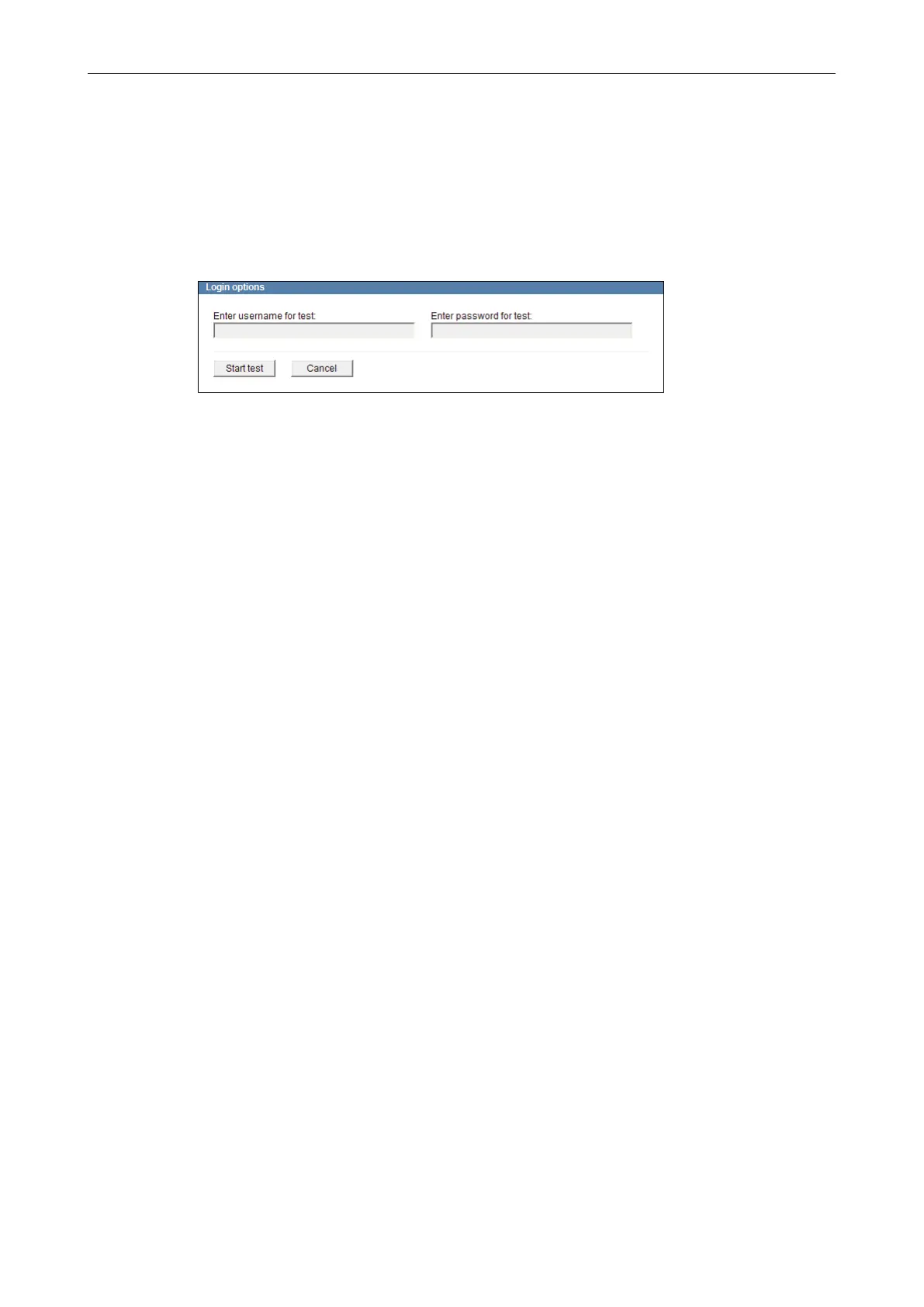
Click Test.
Fig. 8-11
Enter the LDAP user name and the corresponding LDAP user password of an author-
ized administrator (member of group 1).
Click Start test.
After a successful test, conrm with OK in order to save the settings.
From this point in time, only authorized LDAP users are able to log into the device (now
the LDAP client).



 To Next Page