DF4910HD-DN | DDF4910HDV-DN-IM/-SM
www.dallmeier.com 75
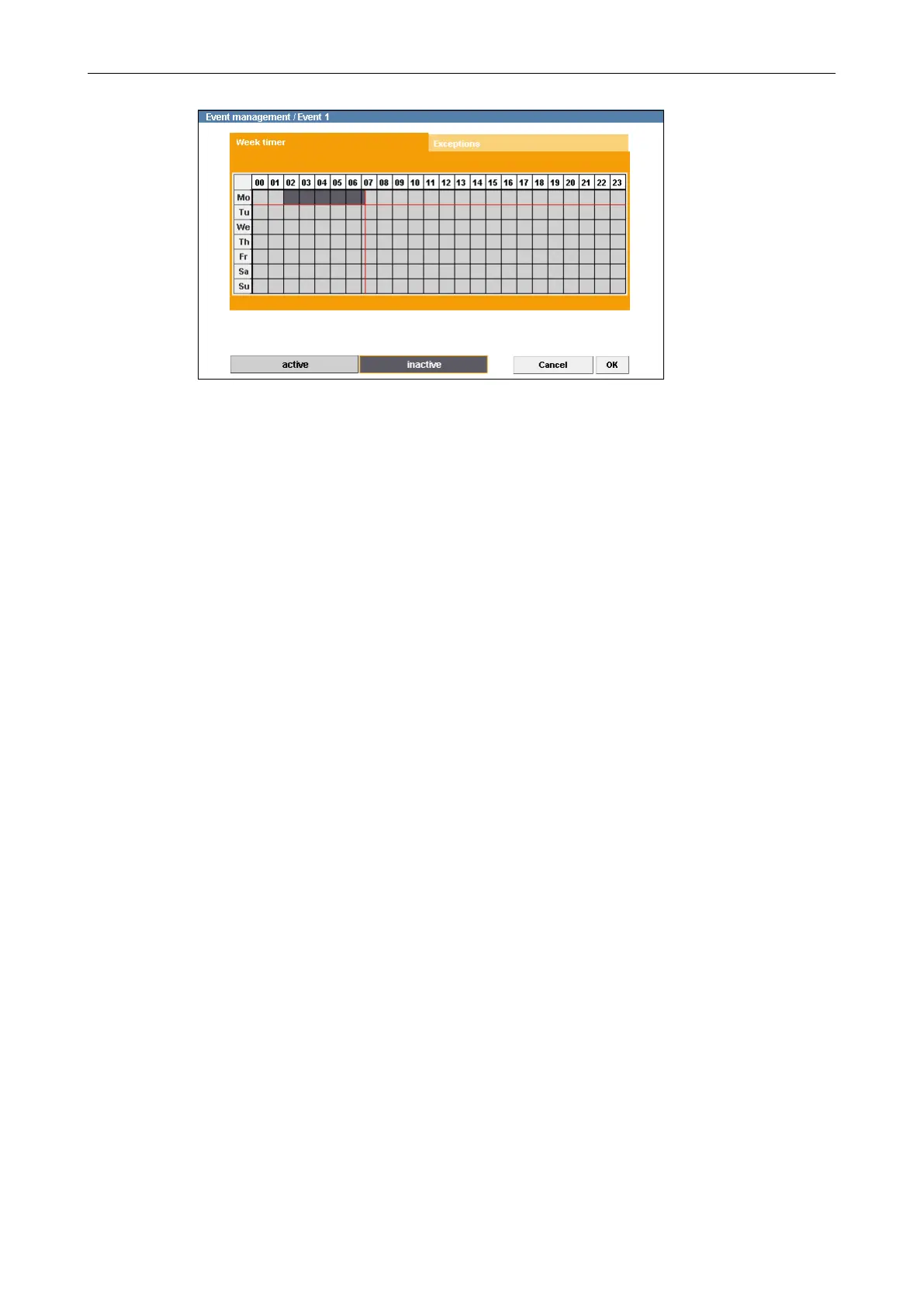
Fig. 11-7
Dark grey areas in the week timer represent inactive periods.
During inactive periods the messaging function is disabled and no event actions are
executed.
In the example shown (Fig. 11-7) the period on Monday from 02:00 to 07:15 am is inac-
tive. During this period no messages are sent out and no event actions are executed.
Conrm with OK if you do not want to make any additional settings.
Delete Inactive Periods
Click active.
In the week timer, click and hold the left mouse button and draw a rectangle over an
inactive period.
Release the mouse button.
Repeat the last two steps until all relevant inactive periods are deleted.
It is also possible to delete sections (at least 15 minutes) between inactive periods.
Conrm with OK if you do not want to make any additional settings.



 To Next Page