Xtium-CLHS PX8 User's Manual Installing Xtium-CLHS PX8
19
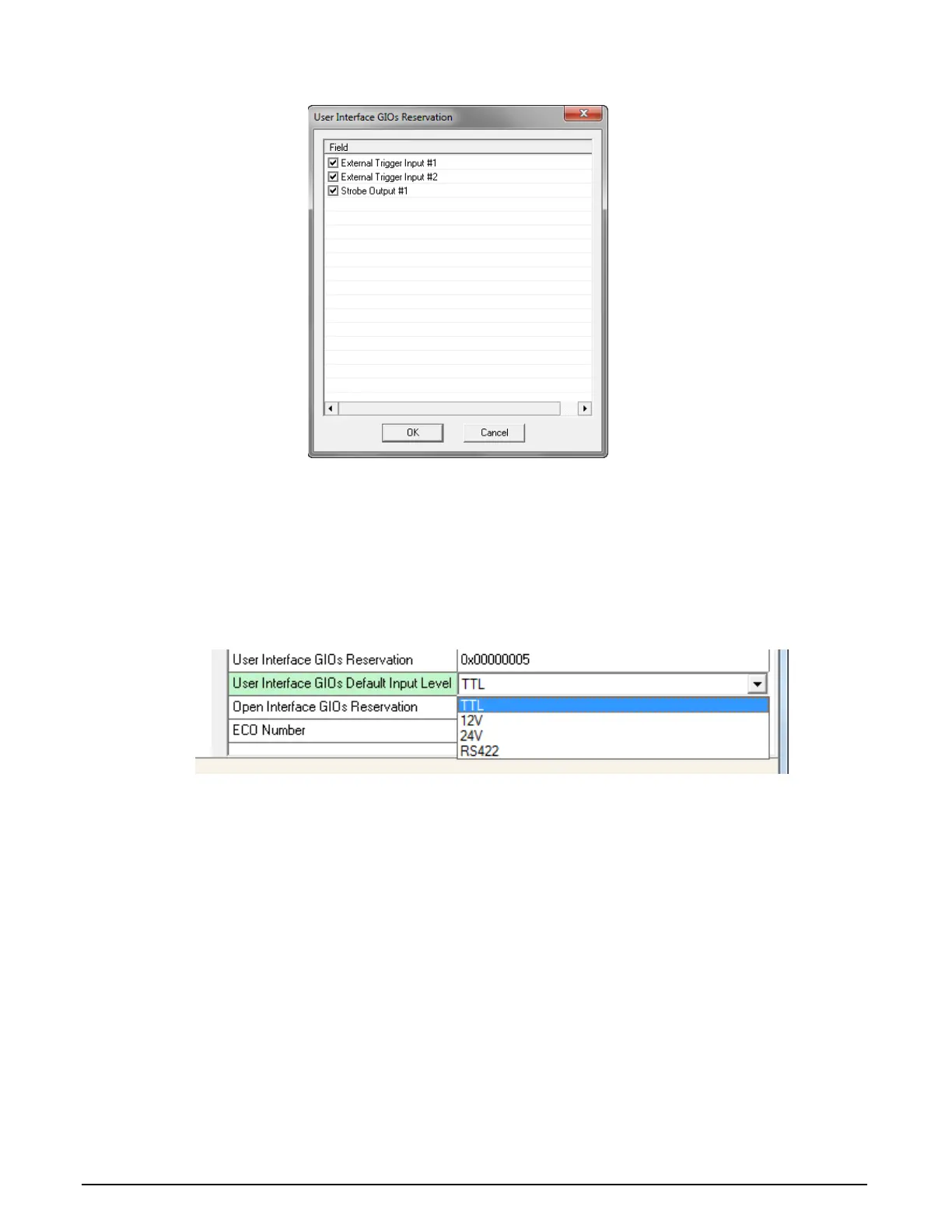
are not required. Click the OK button to update the value field.
Figure 5: User Interface GIOs Reservation
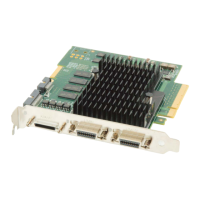
User Interface GIOs Default Input Level [Read/Write]: Use this field to select the default
input level of the User Interface GIOs. By default, boards are shipped with inputs set for 24V
signaling. Note that the input level can also be modified at the application level.
Click on the ‘Value’ field to open the drop selection box show below. Select the input signal
level detection required.
Figure 6: GIOs Default Input Level



 To Next Page