ES601Plus OPERATING MANUAL
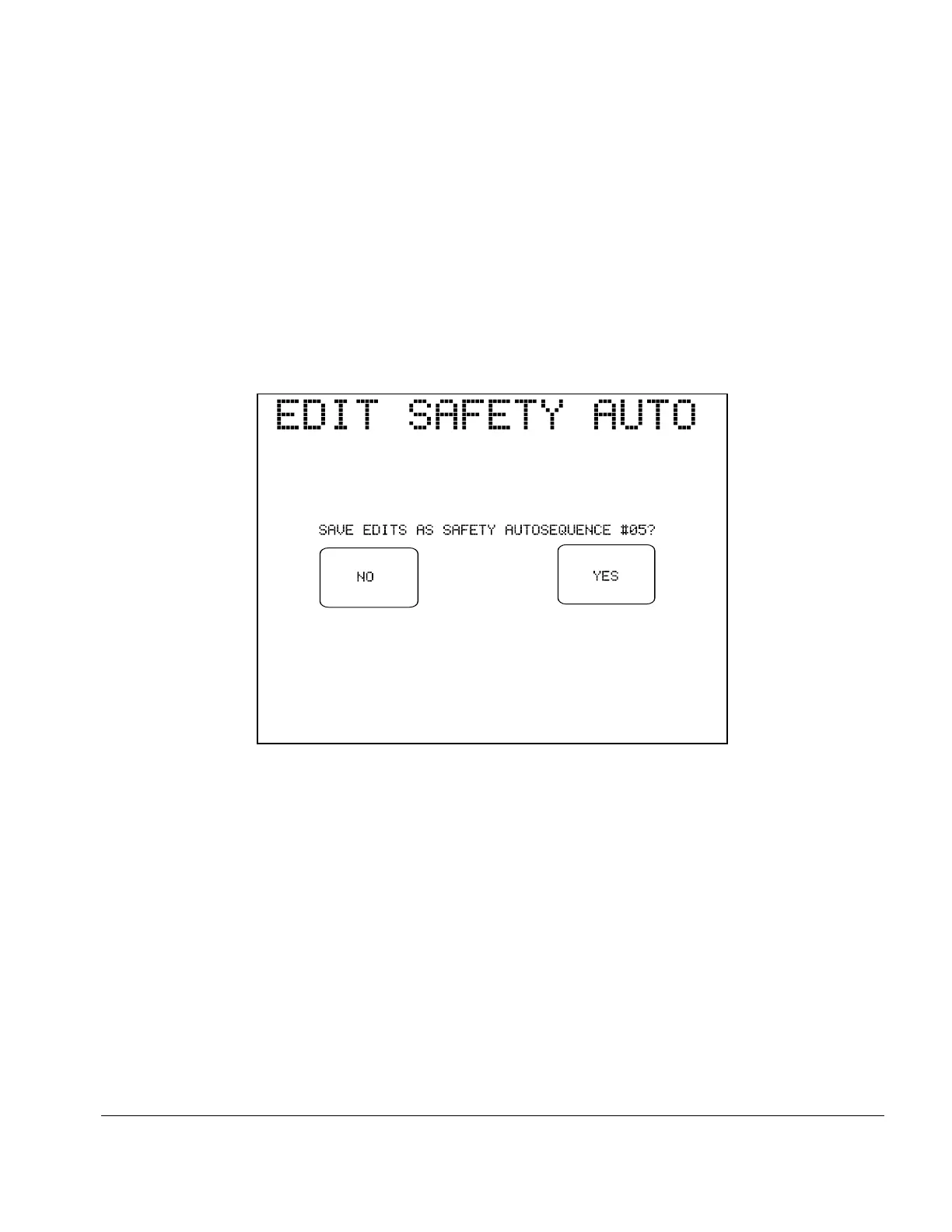
Fig u re 12 - Prompt to save AutoSequence edits.
SAVE AUTOSEQ:
Referring back to the main menu of the AutoSequence editor (Fig u re 8),
pressing this button causes ES601Plus to prompt you to store the
AutoSequence in non-volatile memory. Responding "YES" to the
displayed prompt will store the AutoSequence settings to the memory
location indicated, and will return ES601Plus to System Settings Menu #1.
Pressing "NO" will return ES601Plus to Systems Settings Menu #1
without storing the AutoSequence.
ESCAPE:
Referring back to the main menu of the editor, pressing this button causes
ES601Plus to return to System Settings Menu #1. Any changes which may
have been input are discarded.
Setup/Chapter 3 # Page 37



 To Next Page