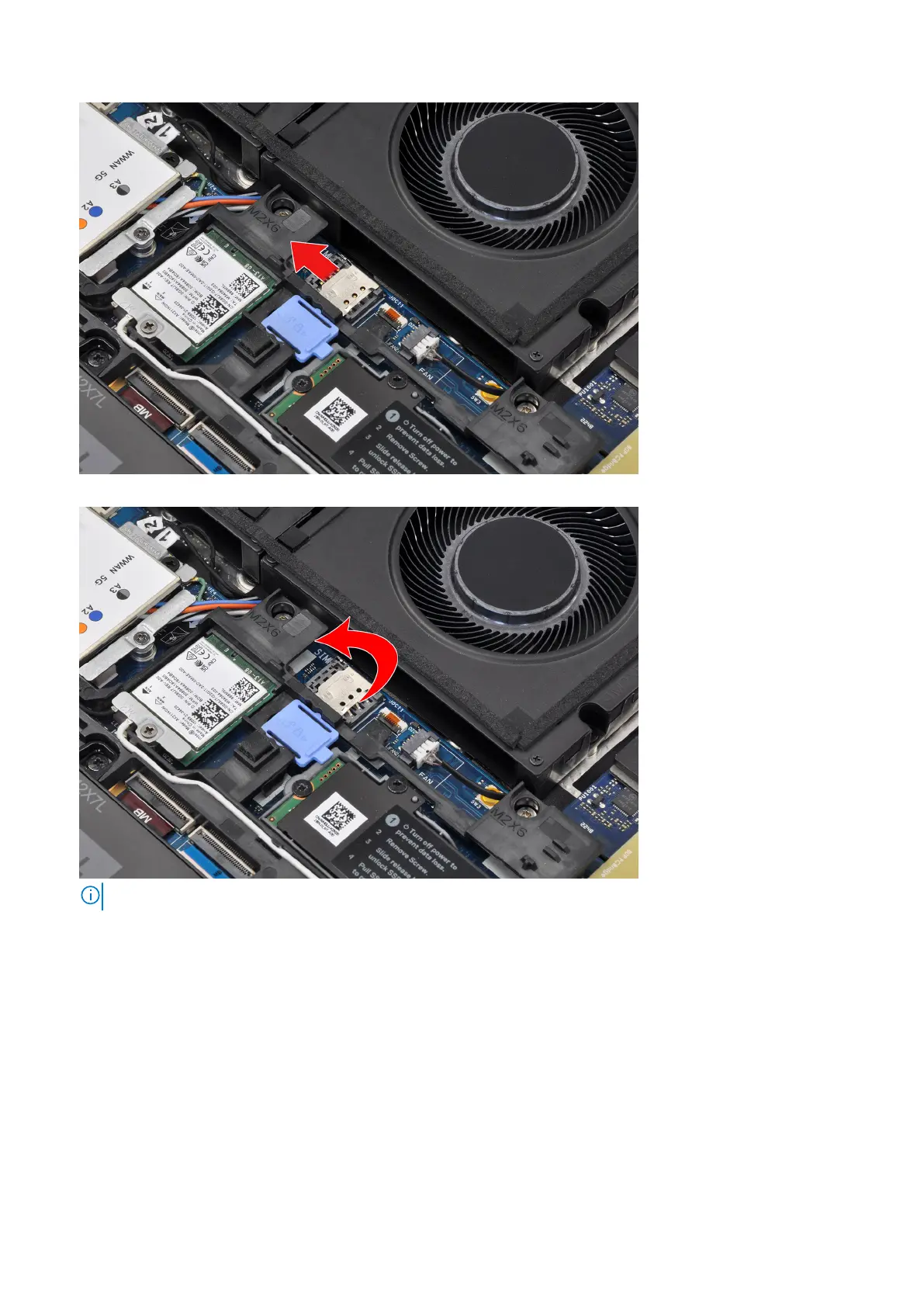
2. Flip the right edge of the SIM card cover to open it.
NOTE: The images that are shown above are of Precision 7780. The same information applies to Precision 7680.
3. Remove the SIM card from the SIM card slot.
Installing the SIM card
Prerequisites
If you are replacing a component, remove the existing component before performing the installation procedure.
About this task
The figure indicates the location of the SIM card and provides a visual representation of the installation procedure.
26
Removing and installing components















 To Next Page