Chapter 2 Getting Started the BHT and System Mode
103
[10.2] Uploading the BHT system parameter file
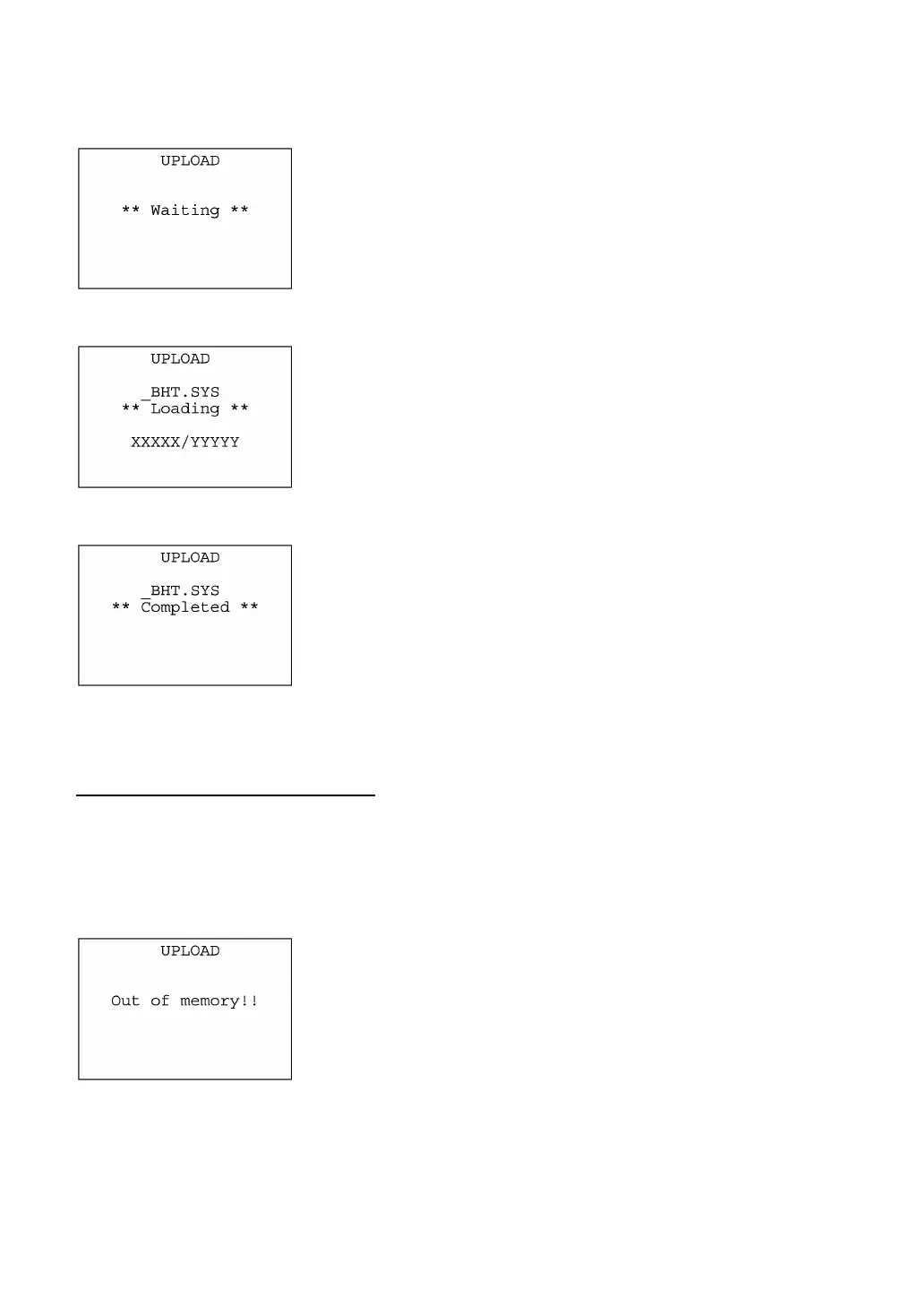
Selecting "2:UPLOAD" on the SYSTEM PARAMETER transfer menu
calls up the screen shown at left. With this screen displayed, the BHT
waits for the BHT system parameter file to be uploaded.
⇓
While the uploading operation is in progress, the screen shown at lef
is displayed indicating the file name and the number of sent
records/the total number of records.
To abort the uploading operation, press the C key. The screen will
switch back to the SYSTEM PARAMETER transfer menu.
⇓
Upon completion of uploading, the BHT displays the screen shown at
left and beeps once.
Press the C key to return to the SYSTEM PARAMETER transfe
menu.
If an error occurs during uploading
If some error occurs during uploading, the BHT beeps three times and shows one of the following
screens:
To retry the uploading operation, press the 1 and ENT keys; to abort it, press the 2 and ENT keys.
Press the C key to return to the SYSTEM PARAMETER transfer menu.
! Problem
The memory is insufficient for setting up the BHT system paramete
file to be uploaded.
! Solution
Press the C key to return to the SYSTEM MENU, then delete
unnecessary files in the memory. (Refer to Section 2.5.3, [ 8 ].)



 To Next Page