Chapter 2 Getting Started the BHT and System Mode
55
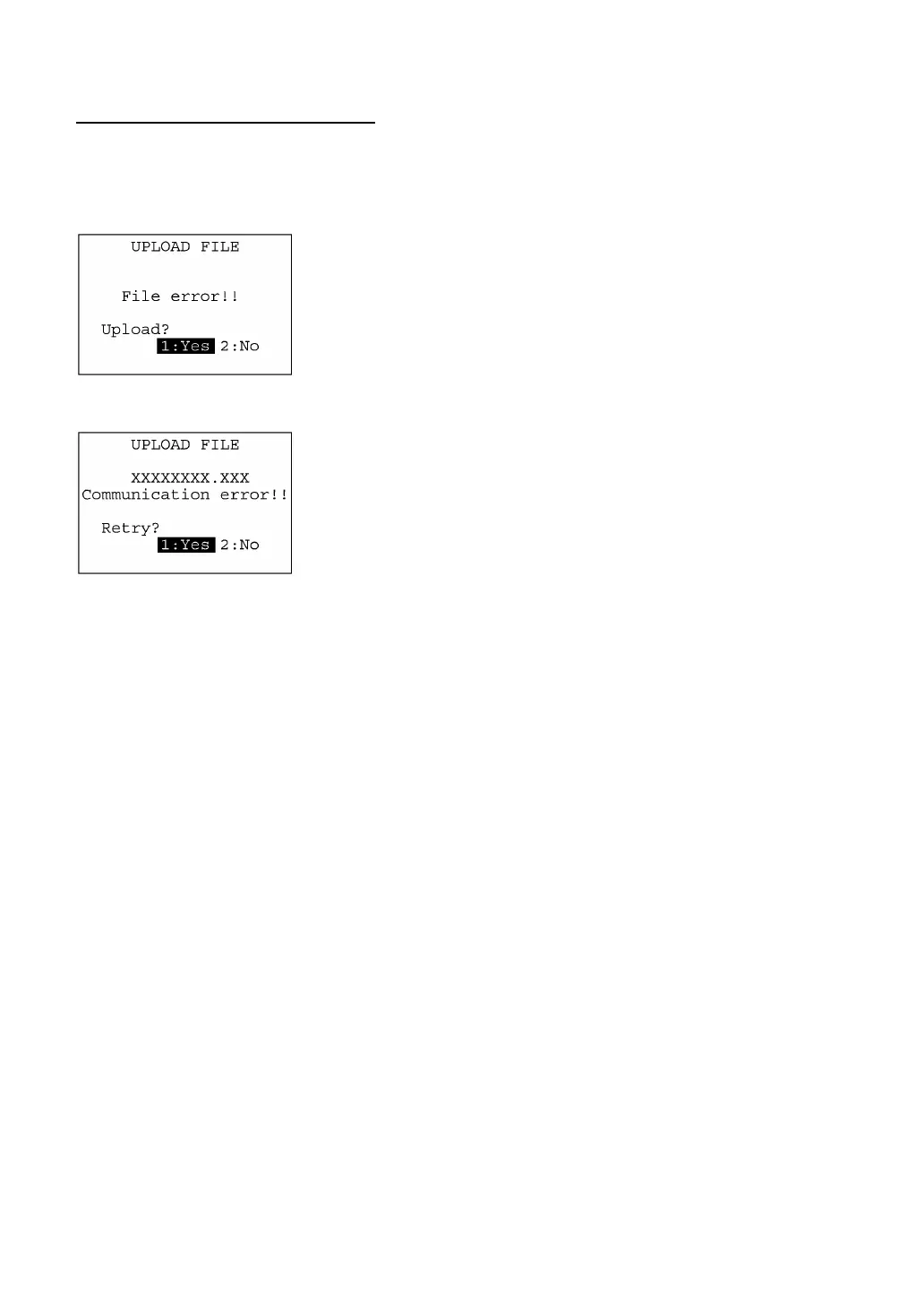
If an error occurs during uploading
If some error occurs during uploading, one of the following screens will appear and the beeper beeps
three times.
To retry the uploading operation, press the 1 and ENT keys; to abort it, press the 2 and ENT keys.
! Problem
The file you attempted to upload is damaged.
! Solution
To upload the damaged file as is, press the 1 key.
! Problem
Uploading has failed.
! Solution
To retry uploading, press the 1 key.
To return to the SYSTEM MENU, press the 2 key. Check the interface
port and communications parameters in the SET SYSTEM menu o
perform the communications test in the TEST menu. (Refer to Section
2.5.3, [4.5] and [5.7].)
It is also necessary to check the communications parameters setup o
the host PC.



 To Next Page