Chapter 2 Getting Started the BHT and System Mode
57
[4.1] Setting an auto-start execution program
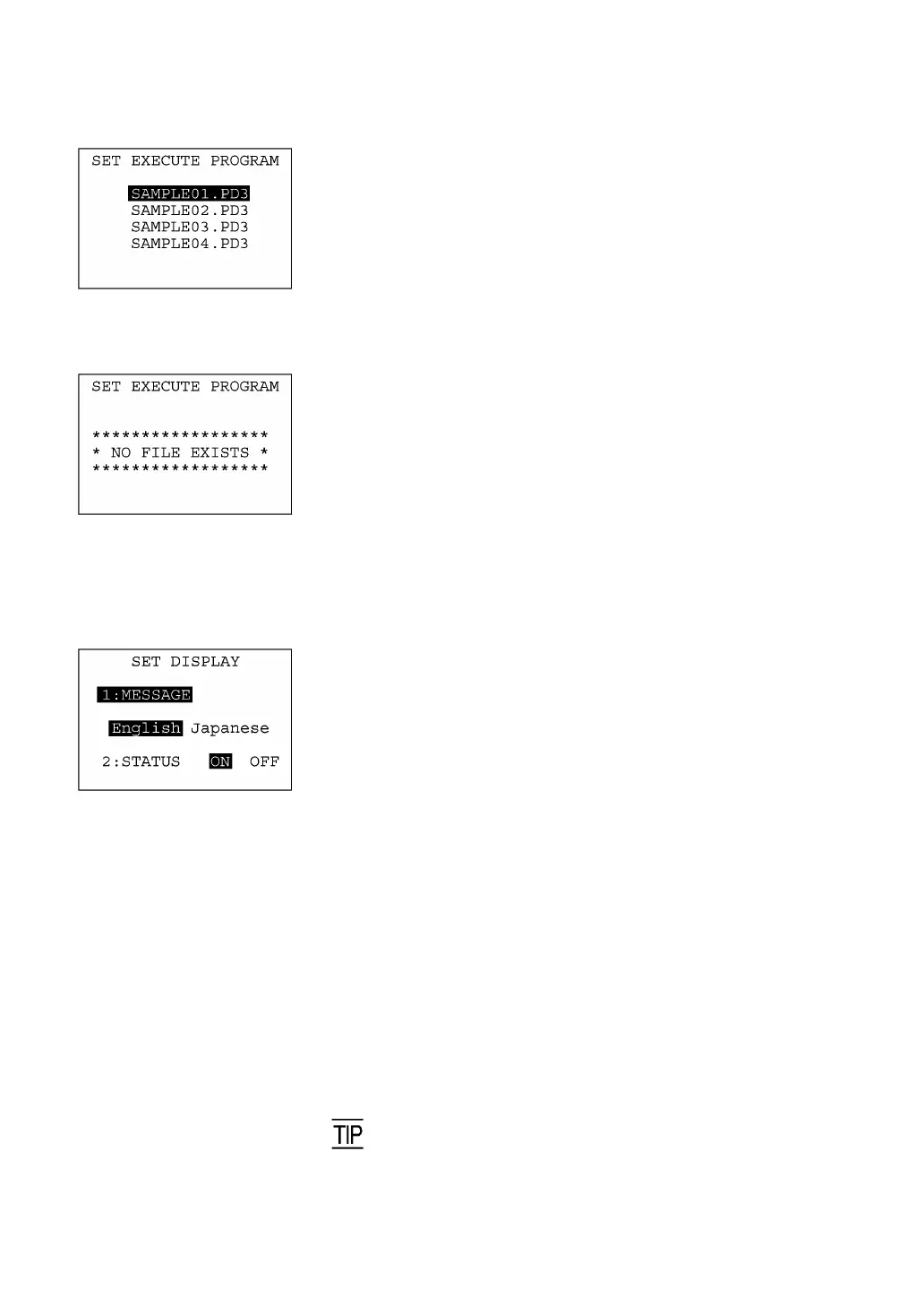
Selecting "1: EXECUTE PROGRAM" on the SET SYSTEM menu
calls up the screen shown at left.
Highlighted is the current setting.
Use the F5 and F6 keys to move the cursor to a desired execution
program to be run automatically when the power is applied, and then
press the ENT key.
To return to the SET SYSTEM menu, press the C key.
If no program files are stored in the memories, the screen shown at
left will appear.
To return to the SET SYSTEM menu, press the C key.
[4.2] Setting the message version and system status indication
Selecting "2: DISPLAY" on the SET SYSTEM menu calls up the
screen shown at left.
Highlighted is the current setting.
[1] MESSAGE: Switches the message version to English o
Japanese for system error messages and
indications on the LCD contrast, beeper volume,
beeper & vibrator switching, and battery voltage
level screens. (The default is the message version
that you selected in the initializing sequence.)
[2]STATUS: Turns the system status indication on or off. Setting
this to ON displays the shift state of the keys,
alphabet entry mode and communications link with
the CU-311, using the icons shown on the next
page.
Select a desired item by using the numerical keys or F5 and F6 keys,
then select a desired setting by using the F7 and F8 keys.
Press the ENT key.
To return to the SET SYSTEM menu, press the C key.
You may turn the system status indication on or off also by usin
the OUT statement in user programs. Refer to the "BHT-BASIC
Programmer's Manual."



 To Next Page