Chapter 2 Getting Started the BHT and System Mode
71
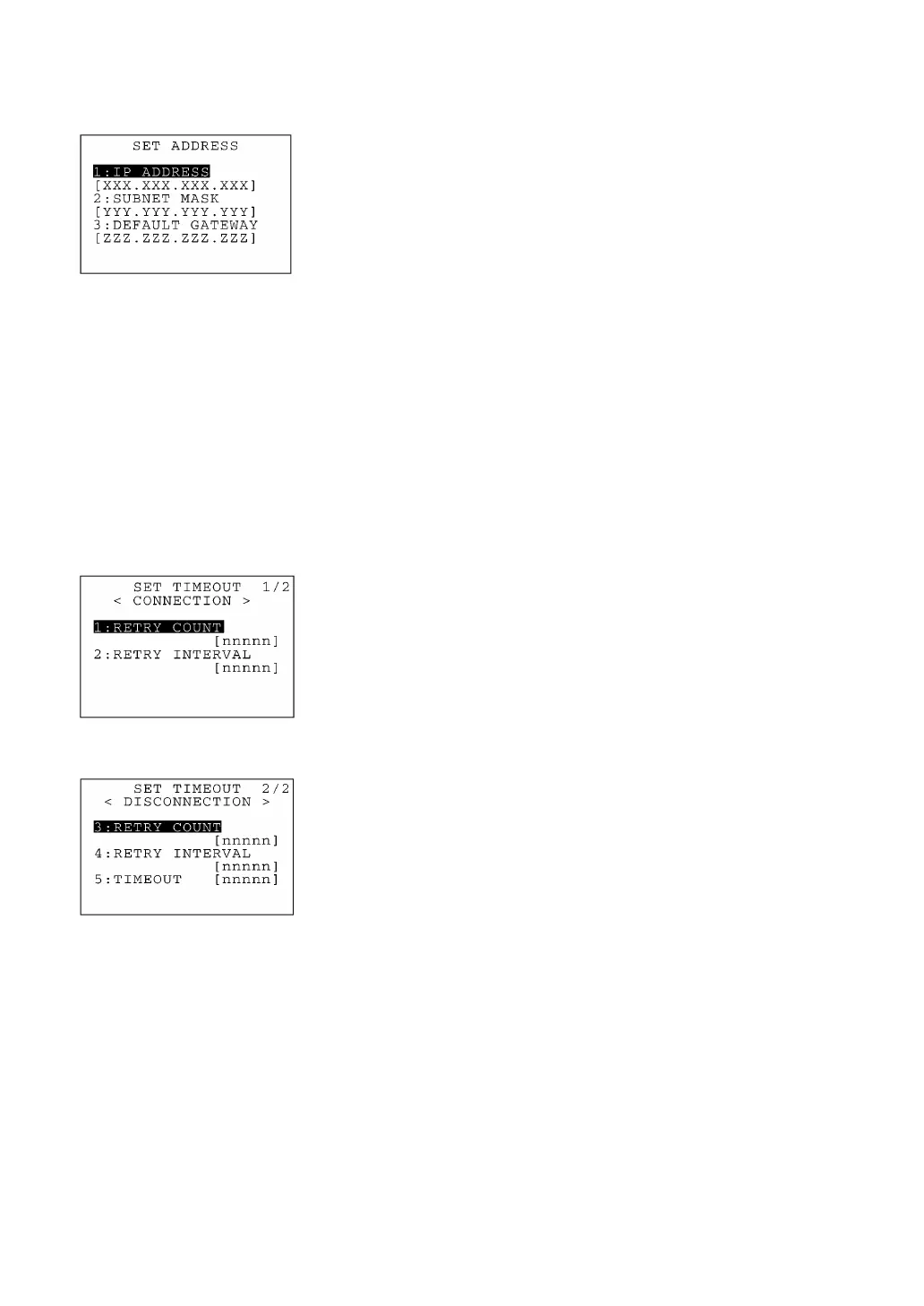
(2) IP address screen
Selecting "2:IP ADDRESS" on the SET TCP/IP menu calls up the
screen shown at left where the current settings are displayed.
Select a desired item by using the numerical keys or F5 and F6 keys,
and then press the ENT key. The entry box of the selected item
becomes ready to accept entry and shows a cursor.
Enter the desired value by using the numerical keys and period (.)
key, and then press the ENT key.
In the entry mode, to delete a single character, press the BS key. To
delete the whole entry you made, press the C key.
To return to the SET TCP/IP menu, press the C key when any item is
highlighted.
If all of the IP address, subnet mask and default gateway are set to
[0.0.0.0], the DHCP is enabled.
(3) Timeout screen
F5 key ⇑ ⇓ F6 key
Selecting "3:TIMEOUT" on the SET TCP/IP menu calls up the screen
shown at left where the current settings are displayed.
Select a desired item by using the numerical keys or F5 and F6 keys,
and then press the ENT key. The entry box of the selected item
becomes ready to accept entry and shows a cursor.
Enter the desired value by using the numerical keys, and then press
the ENT key.
In the entry mode, to delete a single character, press the BS key. To
delete the whole entry you made, press the C key.
To return to the SET TCP/IP menu, press the C key when any item is
highlighted.



 To Next Page