11
Installation Wall Mounting
Do not position the OpenCom 100:
■ in front of or above heat sources
such as radiators,
■ in direct sunlight,
■ behind curtains,
■ in small, unventilated, damp
rooms,
■ on or near inflammable materi-
als,
■ or near high-frequency devices
such as transmitters, X-ray or
similar apparatus.
Use a separate 230-V power circuit
and install overvoltage protection.
Wall Mounting
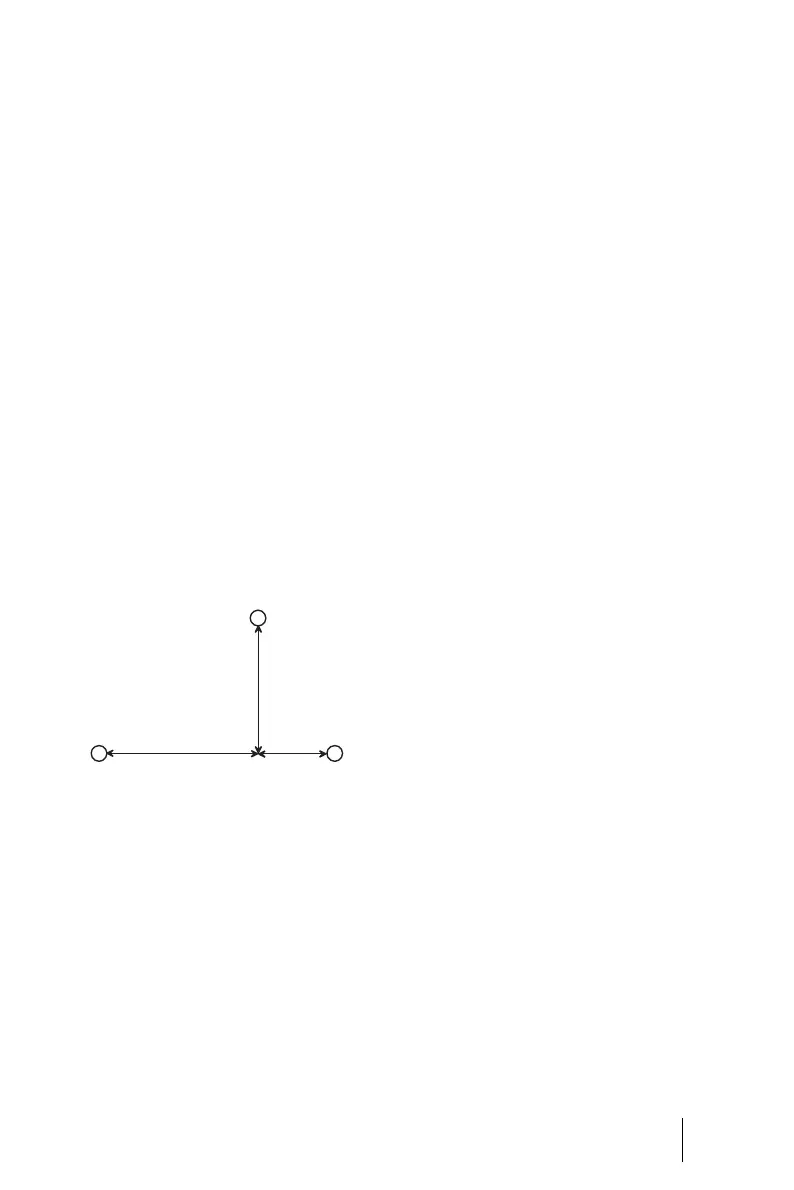
The OpenCom 100 is mounted on
the wall with three screws as shown
in this diagram:
In order to fasten the screws at
points B and C, remove the cover of
the OpenCom 100 and insert the
screws in the holes provided for this
purpose. The OpenCom 100 is sus-
pended from the screw at point A:
there must therefore be a space of 3
mm between the screw and the wall.
A
BC
D
184
134
332




 To Next Page