32
Configuring the OpenCom 100 Configuration
Starting the Web Console
1. Start your Web browser and en-
ter the OpenCom 100 IP address
in the ”Address” input field:
192.168.99.254.
If the configuration PC gets its IP
address automatically from the
OpenCom 100 or the if the
OpenCom 100 is given as the Do-
main Name Server, you can also
start the Web console by enter-
ing the DNS name. The DNS
name in the factory setting is
host.domain. This can be
changed in the Configurator
(Menu NET Configuration:
Easy Access menu).
2. The OpenCom 100 Web console
is started. First set the country in
which you are operating the
OpenCom 100, and the lan-
guage in which the Web console
is to be displayed.
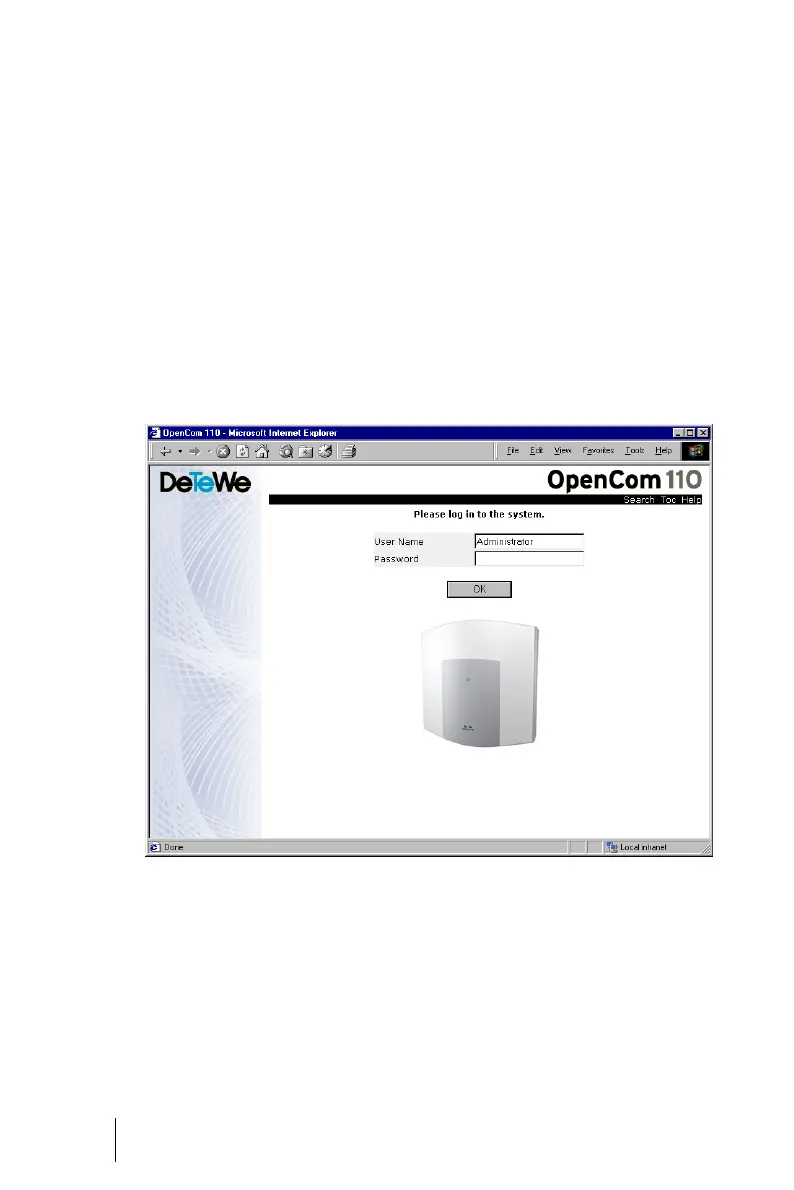
OpenCom 110: Login Dialogue
3. In order to commence configu-
ration, you must first identify
yourself. For the initial configu-
ration, enter your:
user name: Administrator
password (for the initial configu-
ration, leave this field blank).





 To Next Page