Field Service Ver. 1.0 Apr. 2005 17. Image quality problem
157
ineo 161
ineo 210
Troubleshooting
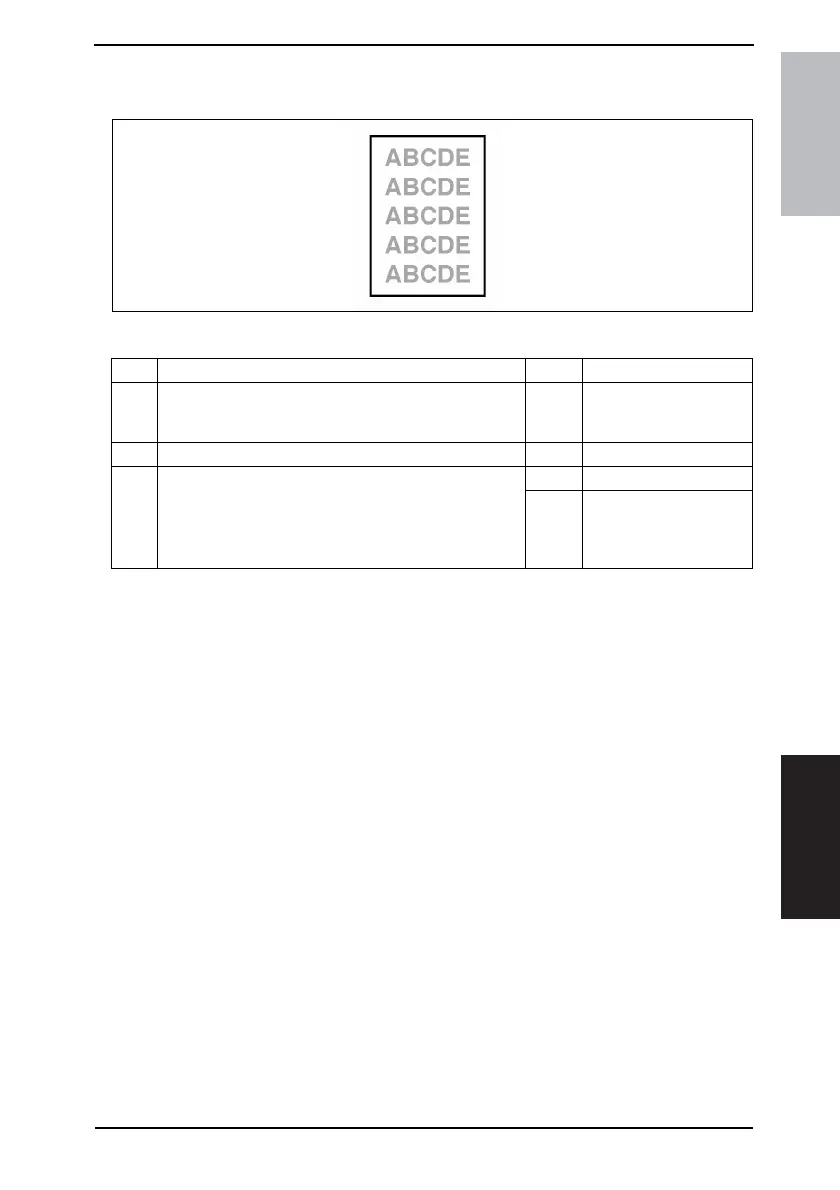
17.2.3 Image Reading Section: Low image density
A. Typical Faulty Images
B. Troubleshooting Procedure
4011T003AA
Step Check Result Action
1
Shading sheet reading portion (the portion on the back-
side of the Original Glass to which Original Width Scale is
affixed) is dirty.
YES • Clean.
2 CCD Board (PWB-J) connector is loose. YES • Reconnect.
3 Control Board (PWB-C) connector is loose.
YES • Reconnect.
NO
• Change Control Board
(PWB-C/C).
• Change Master Board
(PWB-A).










 To Next Page