Field Service Ver. 1.0 Apr. 2005 10. Service Mode
97
ineo 161
ineo 210
Adjustment / Setting
L. ADF REG. LOOP2
✽ appears only when the Duplexing Document Feeder (DF-605: ineo 210 only) is installed
M. ATDC GAIN
N. MODEL SETTING
10.3.3 COUNTER
• COUNTER displays the counts of various counters.
A. TOTAL COUNTER
B. SIZE COUNTER
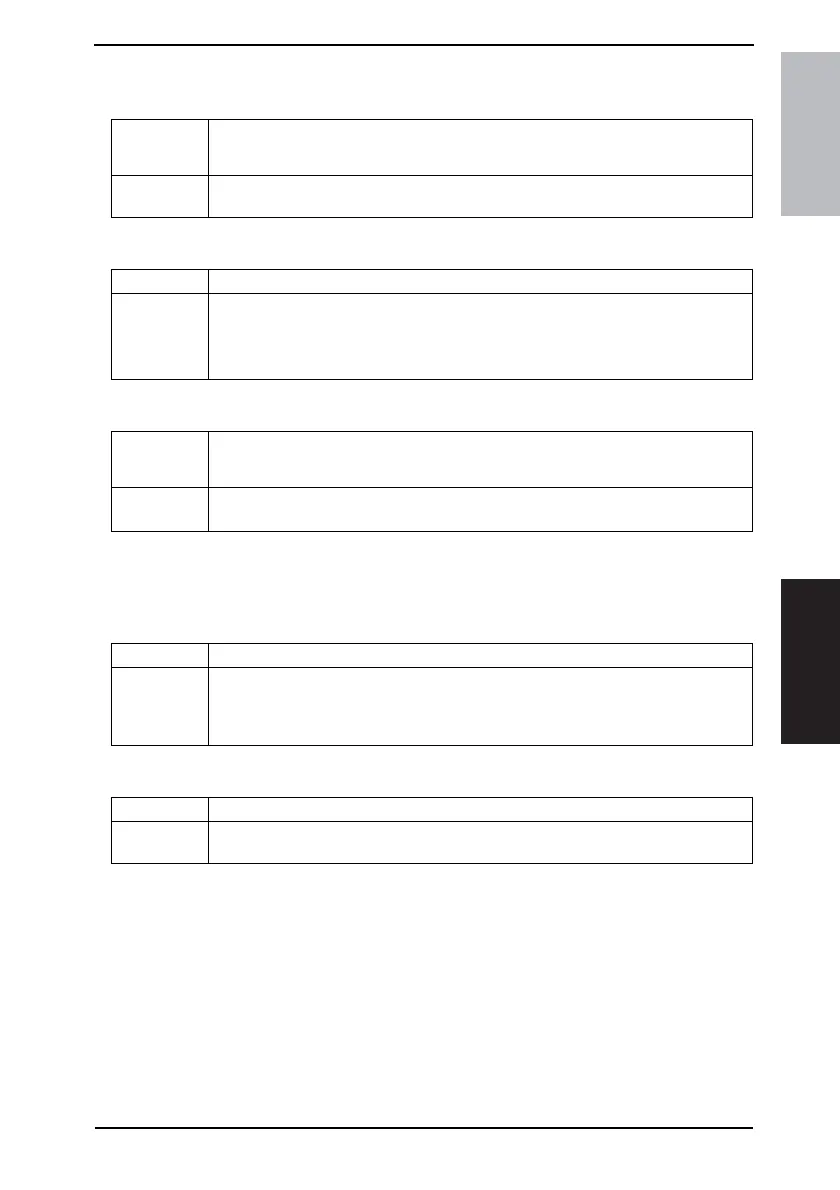
Purpose/Use To adjust the length of loop formed in the original before the Registration Roller.
✽ When a skew feed, fold, or misfeed of the original occurs
Setting/
Procedure
✽ Refer to the option service manual (DF-605) for details.
Purpose/Use To manually adjust the ATDC Sensor voltage.
Setting/
Procedure
• The default setting is “155.”
Setting range: 123 to 186
✽ The adjusted value of the ATDC Auto Adjust is the setting value.
Purpose/Use NOTE
Never change this setting.
If it is changed, the Tech. Rep. call (C03FF) will appear.
Setting/
Procedure
✽ Default setting depend on the marketing area setting.
20 ppm 18 ppm 16 ppm
Purpose/Use To display the total count value of the selected mode.
Setting/
Procedure
1: COPY
2: COPY DUPLEX
3: PRINT
4: PRINT DUPLEX
Purpose/Use To display the count of the Size Counter.
Setting/
Procedure
• To clear the count, use “Clear Data” of the Service mode.










 To Next Page