Field Service Ver. 1.0 Apr. 2005 10. Service Mode
101
ineo 161
ineo 210
Adjustment / Setting
10.3.4 DISPLAY
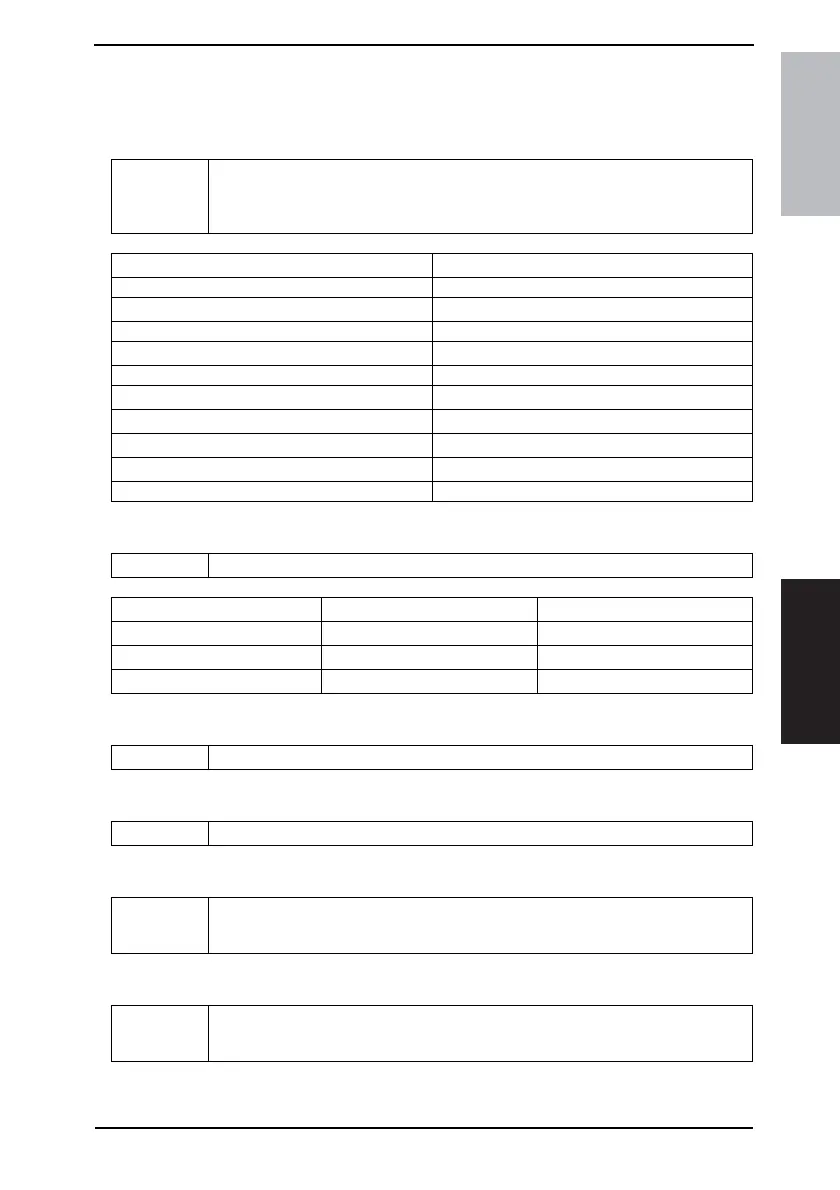
• DISPLAY displays various types of information.
A. TONER DENSITY LEVEL
B. PROCESS CONTROL
C. MAIN F/W VER. (PWB-C/C)
D. ENGINE F/W VER. (PWB-A)
E. PCL F/W VER.
F. NIC F/W VER.
Purpose/Use To display the current output value of ATDC sensor.
Refer to the following table for actual T/C values.
✽ Used to check the T/C ratio when the image density is defective.
Display T/C
···
···
80 8.0%~8.4%
···
···
100 10.0%~10.4%
···
···
130 13.0%~13.4%
135 13.5%~13.9%
140 14.0%~14.4%
145 14.5%~14.9%
···
···
Purpose/Use To display the Vg and Vb values.
Display Vb (V) Vg (V)
-5 -300 -450
0 -400 -550
+5 -500 -650
Purpose/Use To display the main firmware version information.
Purpose/Use To display the engine firmware version information.
Purpose/Use To display the PCL firmware version information.
✽ Only when the optional Printer Controller (Pi2001e) is mounted
Purpose/Use To display the NIC firmware version information.
✽ Only when the optional Network Interface Card (NC-502) is mounted










 To Next Page