Field Service Ver. 1.0 Apr. 2005 17. Image quality problem
165
ineo 161
ineo 210
Troubleshooting
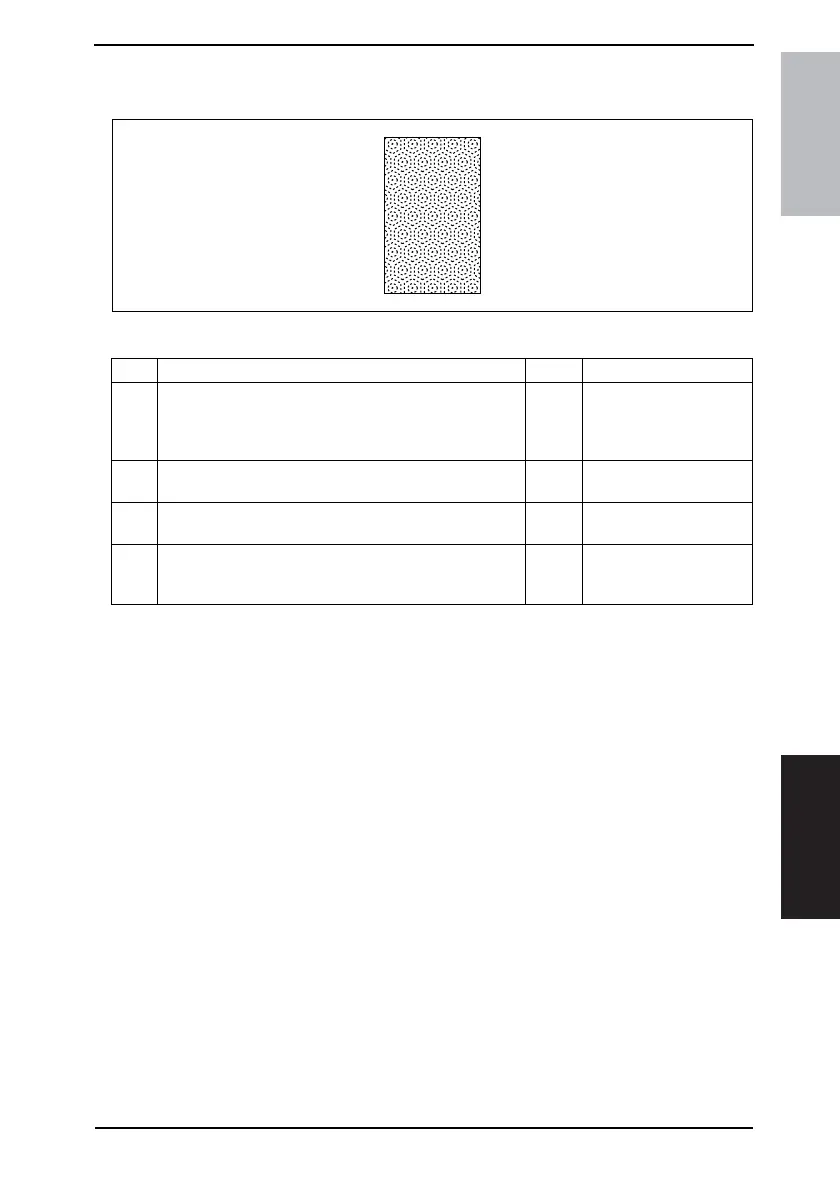
17.2.11 Image Reading Section: Moire
A. Typical Faulty Images
B. Troubleshooting Procedure
4011T040AA
Step Check Result Action
1
Moire distortions recur even after the orientation of original
has been changed.
NO
• Change the original
mode (select one other
than that resulted in
moire).
2
Moire distortions recur even after the original mode has
been changed.
NO
• Change the original
image mode.
3
Moire distortions recur even when the zoom ratio is
changed.
NO
• Change the zoom ratio
setting.
4
The problem has been eliminated through the checks of
step up 3.
NO
• Adjust CCD Main Zoom
and CCD Sub Zoom.
☞ 92










 To Next Page