Field Service Ver. 1.0 Apr. 2005 17. Image quality problem
173
ineo 161
ineo 210
Troubleshooting
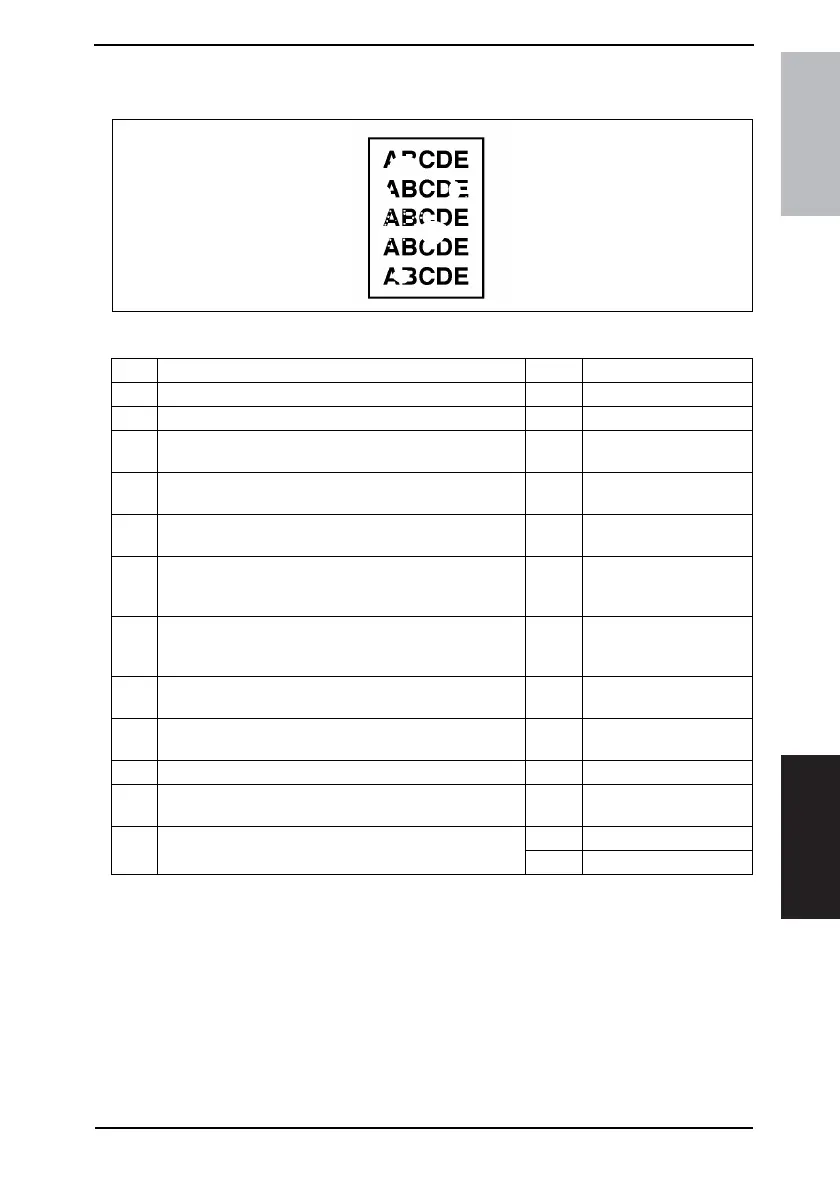
17.2.19 Printer Section: Void areas
A. Typical Faulty Images
B. Troubleshooting Procedure
4011T008AA
Step Check Result Action
1 Foreign matter is present along the paper path. YES • Remove foreign matter.
2 Paper dust plugs up the Paper Dust Remover. YES • Clean or change.
3
PC Drum Charge Corona, grid mesh, and Comb Electrode
are loose.
YES • Reinstall.
4
PC Drum Charge Corona contact is dirty, scratchy,
deformed, worn, or damaged.
YES
• Clean, correct, or
change.
5
Developing Roller is dirty, scratchy, deformed, worn, or
damaged.
YES • Clean or change.
6 Toner is even on Sleeve/Magnet Roller. NO
• Adjust Db. For details,
see ADJUSTING/SET-
TING.
7
Developer is not even in the Developer Mixing Chamber of
IU.
YES
• Even out developer in
the Developer Mixing
Chamber.
8
DB of IU is plugged with foreign matter (such as paper
dust).
YES • Remove foreign matter.
9
Image Transfer Roller is dirty, scratchy, deformed, worn, or
damaged.
YES
• Clean, correct, or
change.
10 Image Transfer Roller Assy is installed correctly. NO • Reinstall.
11 Charge Neutralizing Plate is dirty, scratchy, folded, or bent. YES
• Clean, correct, or
change.
12 Fusing Roller is dirty, scratchy, deformed, or worn.
YES • Clean or change.
NO • Change IU.










 To Next Page