6. Other Field Service Ver. 1.0 Apr. 2005
36
ineo 161
ineo 210
Maintenance
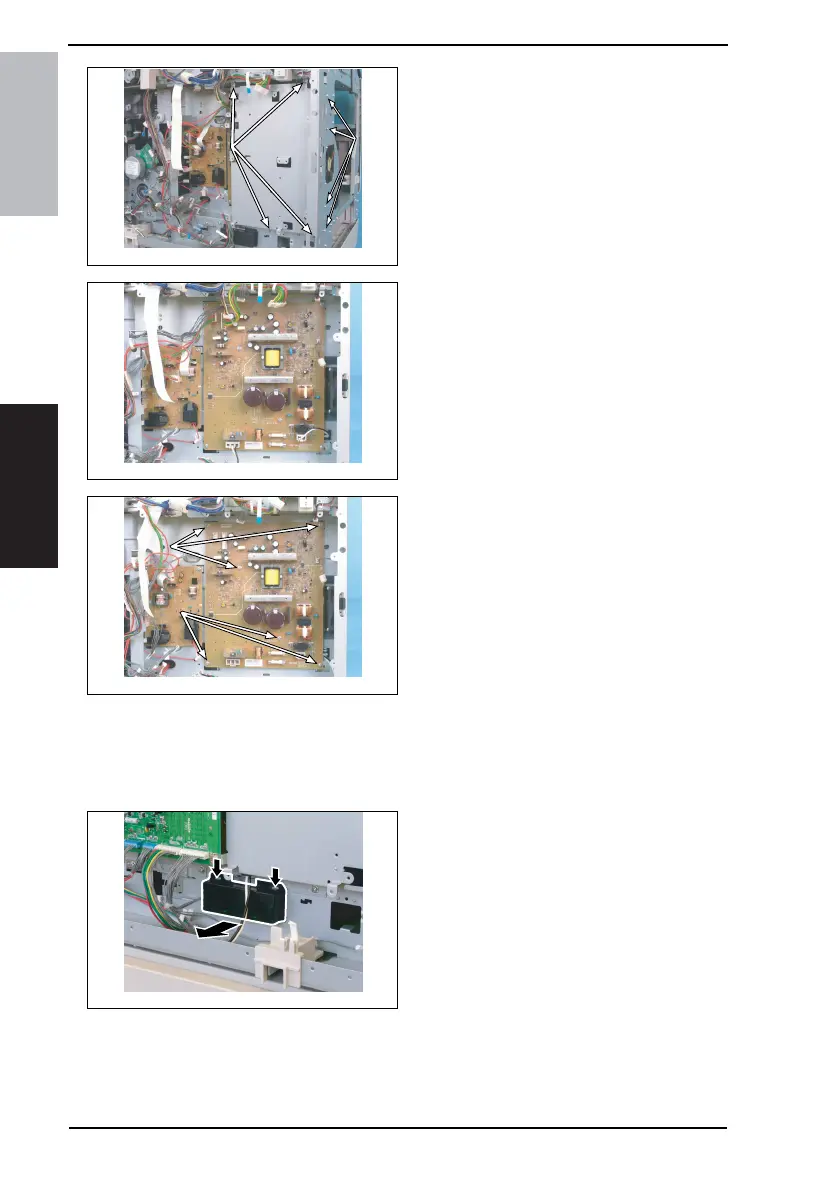
6. Remove eight screws and protective
cover 2.
7. Unplug all connectors from the
Power Supply Unit.
8. Remove six screws and the Power
Supply Unit.
6.3.6 Paper Size Detecting Board (PWB-I)
1. Remove the Rear Cover.
☞ 31
2. Slide out the Paper Feed Tray/1.
3. Unhook two tabs and remove the
holder.
4035D056AB
4035D057AB
4035D523AA
4035D058AA










 To Next Page