DEVO-7 Page 100 of 170
appear blinking “MODEL”, then press “ENT” to enter model menu, press UP or DN to
appear blinking “OUTPUT”;press ENT to appear setting items and selectable switch,,
There are three adjustable items. They are Gear, AUX2 and AUX3, respectively.
1)Under the above interface,press R or L to change to select GEAR switch or button
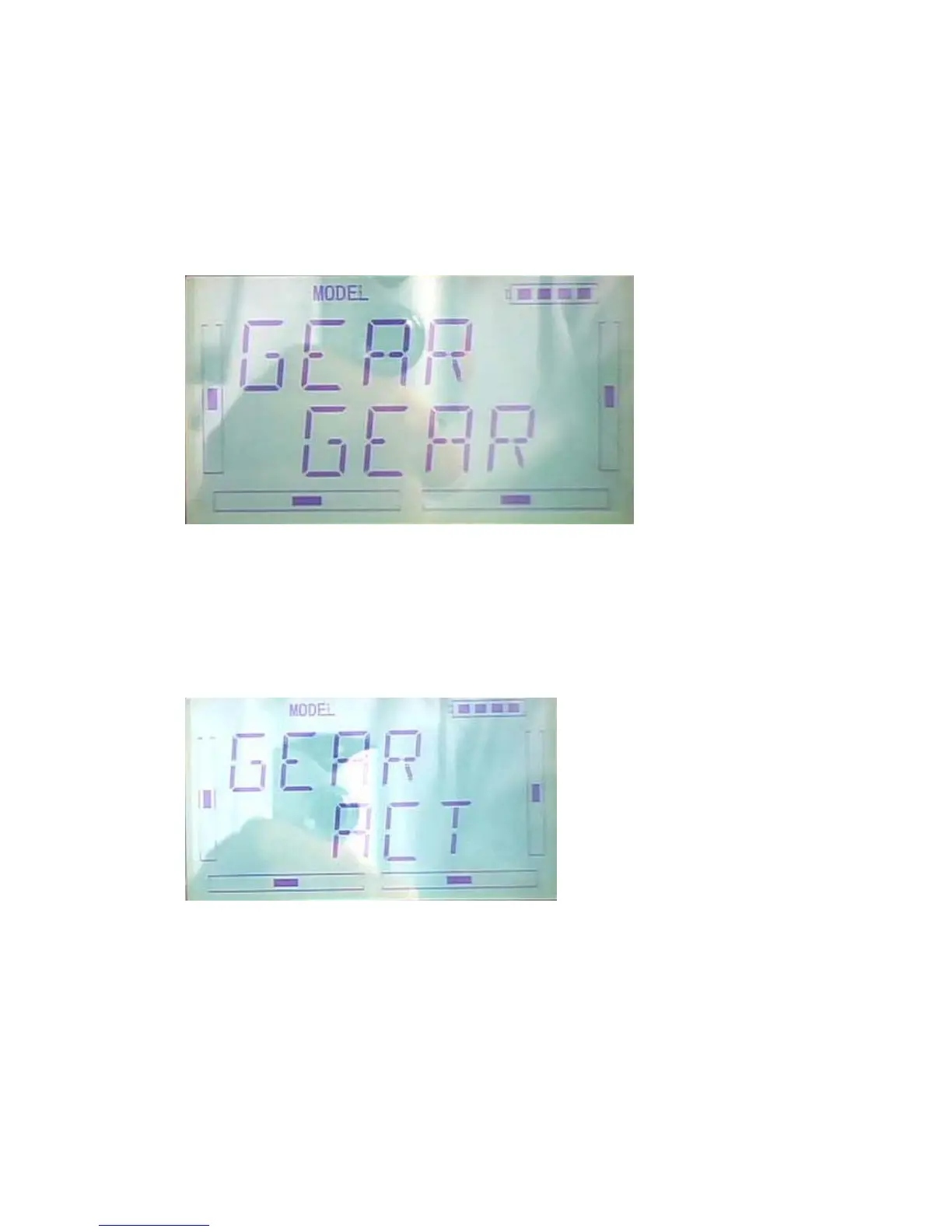
option,ther are FMOD SW, MIX SW, D/R, HOLD , GERA SWTRN and AUX and
so on. The default setting is GEAR SW.
Press DN to enter GEAR ACT ,INHIBIT and other functions options,
Press R or L to change select ACT ,INHIBIT and other functions options,there are
INH、ACT、GOV。
2)FLAP
After set the GEAR , press DN to enter the FLAP setting, see belows, press R or L to
change select FLAP SW or BUTTON option,there are FMD MIX D/R、HOLD、GEAR、
TRN、AUX2 and so on



 To Next Page