DEVO-7 Page 148 of 170
3.15 Aileron to flap mix
This function can execute the mix of aileron to flap, and can also set switch. The flap
dual channels should be previously set in Wing Type at Model Menu (Refer to “2.12
Wing Type”).
Setting method:
press “ENT” key to get the flashing main memu. Press UP and DN keys until
“FUNCTION” becomes flashing, then press “ENT” key to Function menu. Press UP or
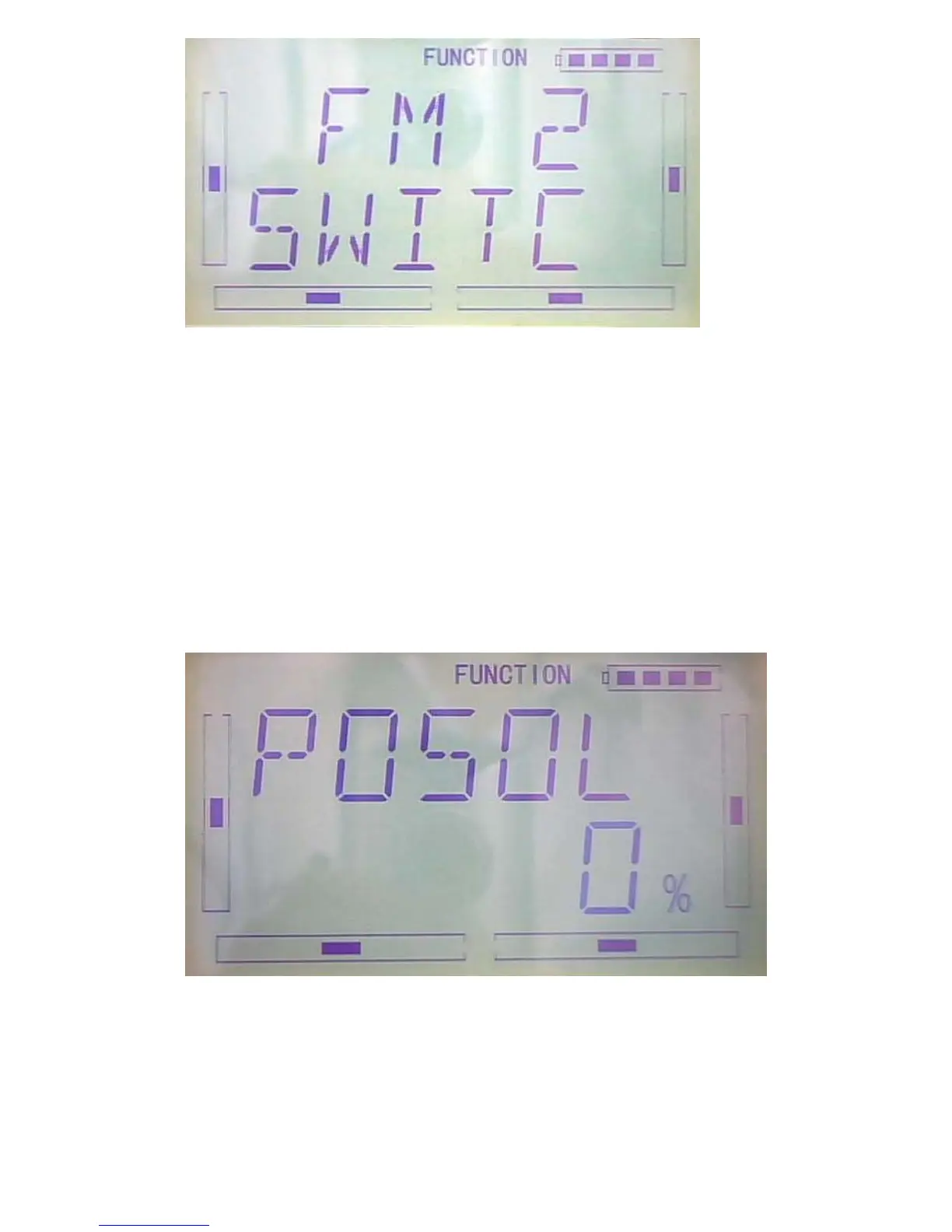
DN key until “AI--FL” becomes flashing; Press ENT key, you will find the Left at Pos 0
setting under the AI--FL interface.
1) Pos 0 setting
1.1 Left at Pos 0
Press R or L change the data to change the leftward mix value of aileron to flap.



 To Next Page