DEVO-7 Page 136 of 170
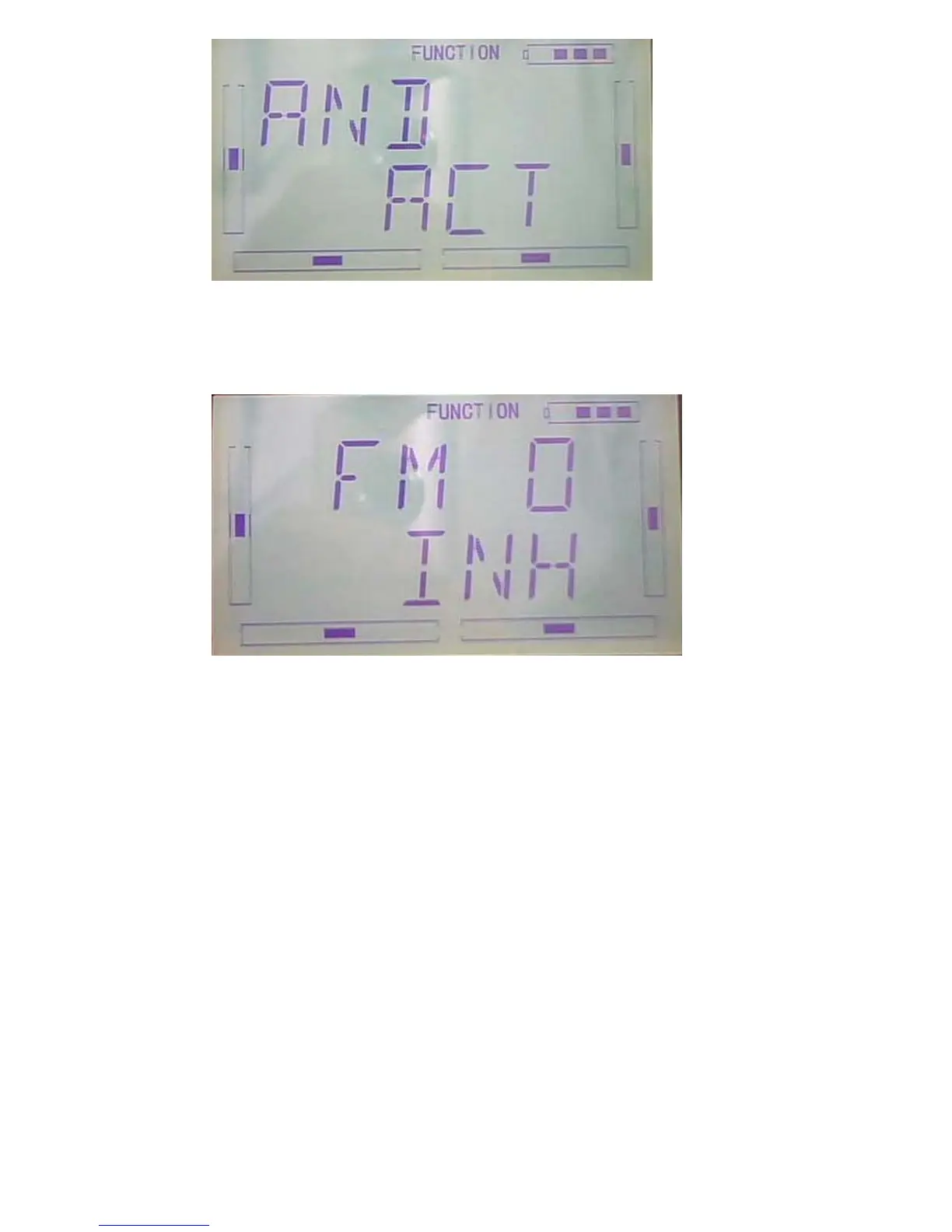
After above finished, press DN button to get the switch settings including FM 0,
FM 1, FM 2 , FPNRM, FPMID, FPLND, D/R, HOLD and GEAR。
Press UP or DN to select the desired switch; press R or L to set it “inhibit” or “active”.
Press EXT to exit after finished.
3.12Elevator to flap mix
This function is used to execute the mix of elevator to flap.
Setting method:
Press “ENT” button on the main interface until get flashing main menu. Press UP or
DN button to when “FUNCTION” flash, then press “ENT” to the function menu. Press
UP or DN button to until “AI--RU” flash, press ENT button to the setting of Pos 0 left.
1) Pos 0 up setting



 To Next Page