DEVO-7 Page 161 of 170
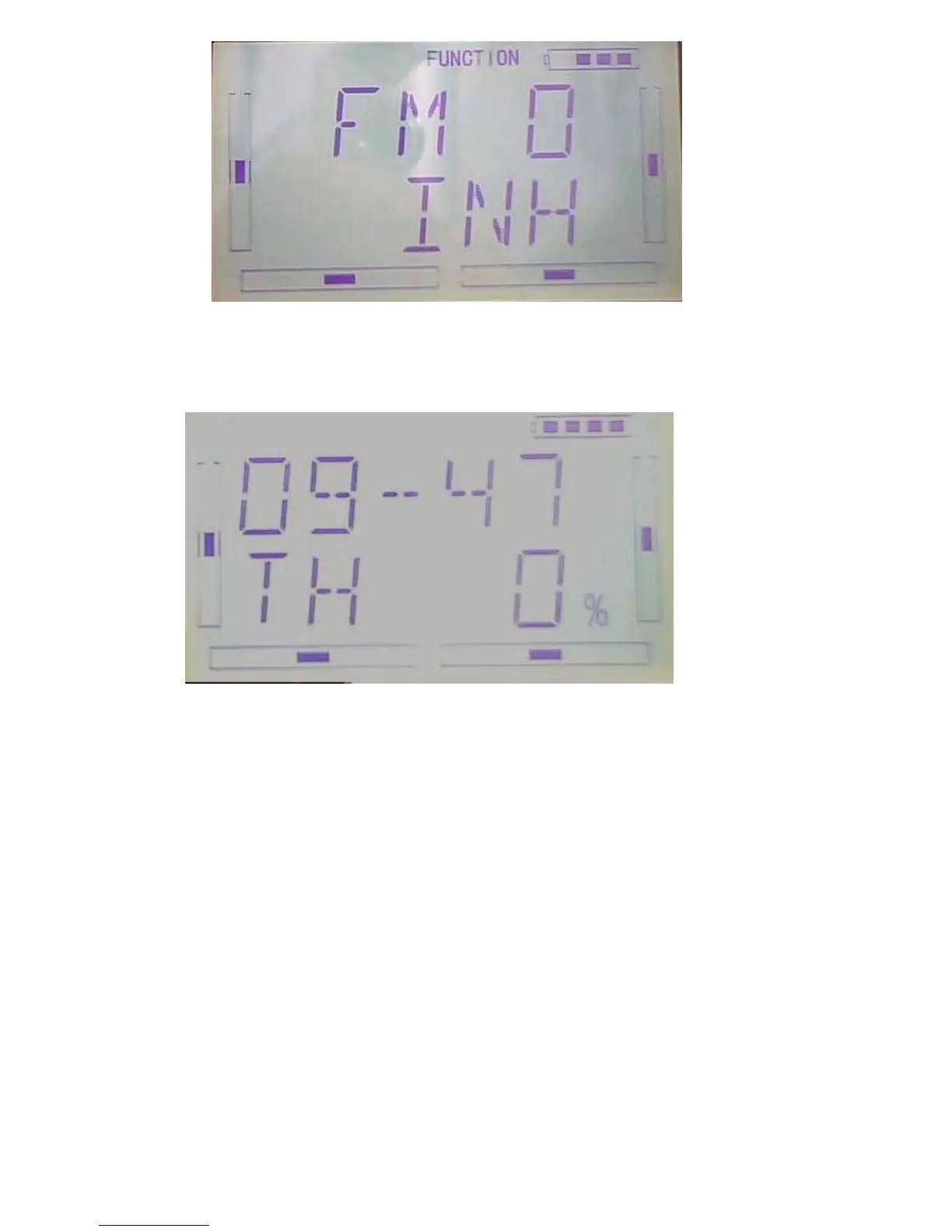
Press UP or DN to select in commission switch, press R or L key to select Inhibit or
Active. Press EXT to confirm and exit.
3.17(MONIT)
This function can display the current statuses and positions of all the channels’
outputs, and check the current working status of each channel.
press “ENT” key to get the flashing main memu. Press UP and DN keys until
“FUNCTION” becomes flashing, then press “ENT” key to Function menu. Press UP or
DN key until “MONIT” becomes flashing; Press ENT key,



 To Next Page