DEVO-7 Page 33 of 170
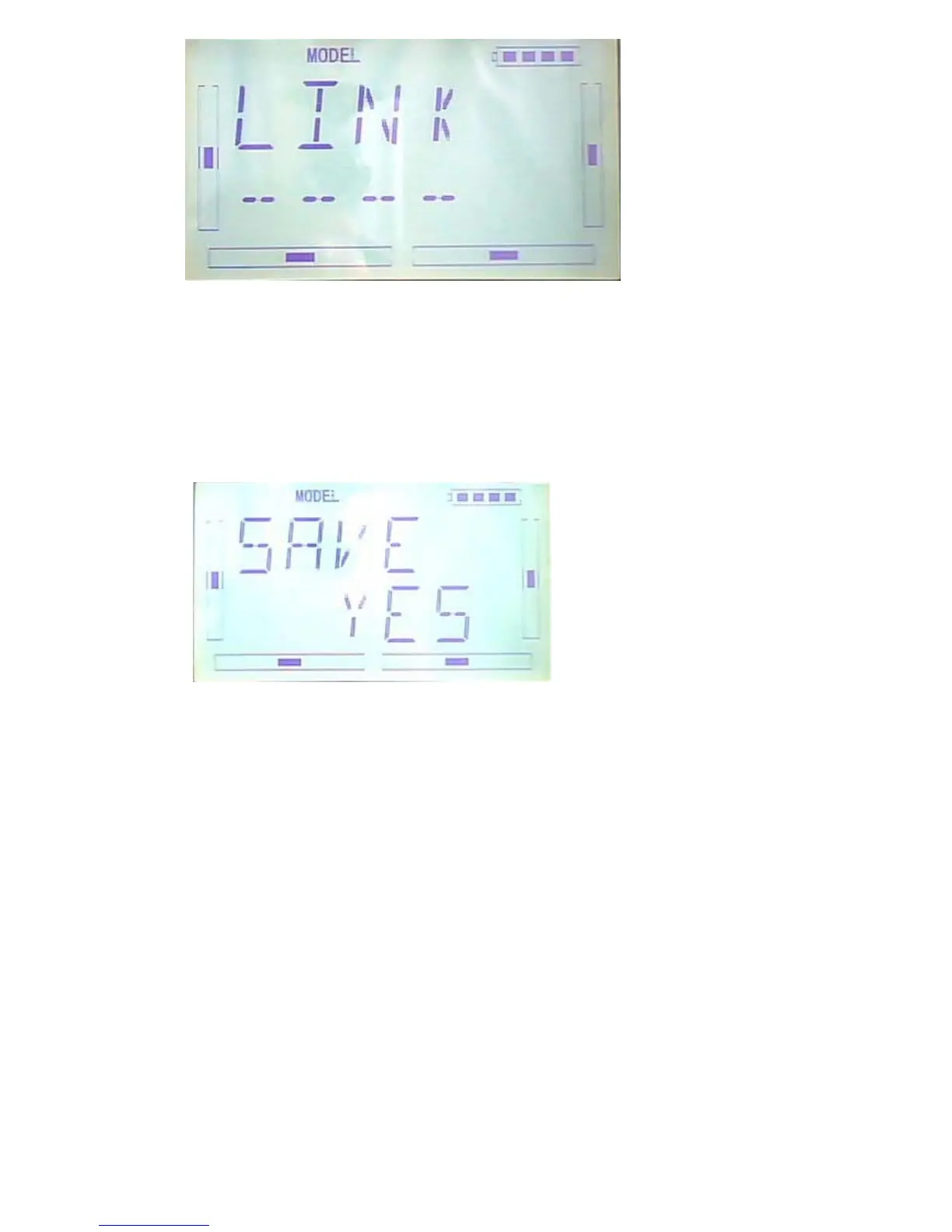
After receiving the data,the flash model name will be shown on the interface. Press R
or L can change the save position.Press ENT,there is an enquiry interface will be
shown. Press R or L to select YES for SAVE or NO for Cancel.
Data will be saved after press ENT then back to menu. Press EXT after saving.
2.5(RESET)
All the model data can be restored to factory settings via Model Reset.
Press “ENT” key to enter Main Menu, press UP or DN until “MODEL” flash , and then
Press “ENT” key to enter Model Menu; Press UP or DN button until “RESET”
becomes flash;Press “ENT” key,there are There are batch reset and single reset
selections. Press R or L to choose ALL or other models.



 To Next Page