DEVO-7 Page 93 of 170
Press ENT to back to menu after copy and then press EXT
2.4 Model wireless copy
The model data between two DEVO7 can be copied and shared through model
transfer and model receiving in model menu.
1)Model transfer
Press ENT to flash main menu in main interface, press UP or DN to flash MODEL,
then press ENT to enter model menu, press UP or DN to flash TRANS, press ENT,
model name ready for transfer will be shown. Press R or L to choose model
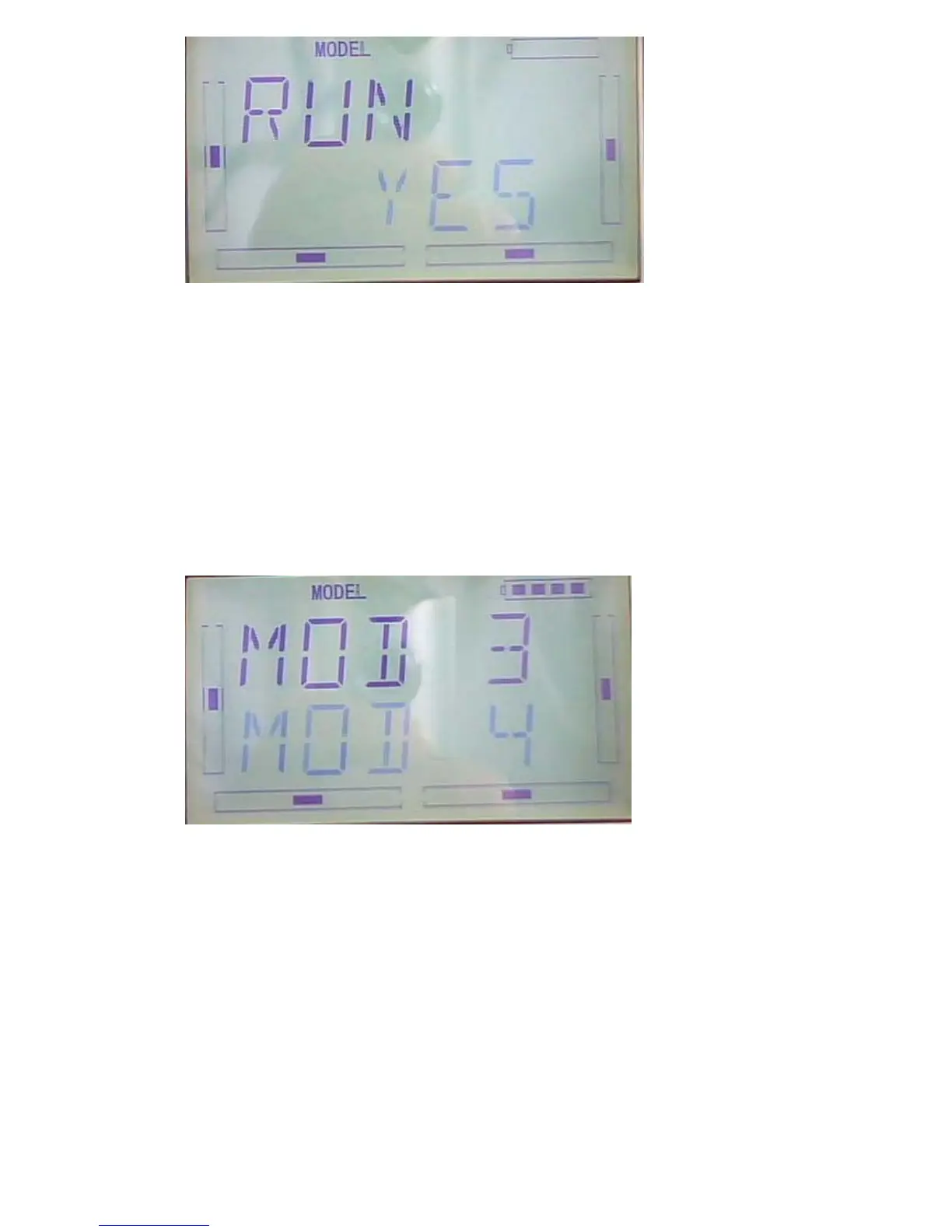
After choose the model to transfer, please press ENT to enter inquiring interface.
Press R or L to choose ON or YES, press YES to copy and press NO to give up.



 To Next Page