DEVO-7 Page 34 of 170
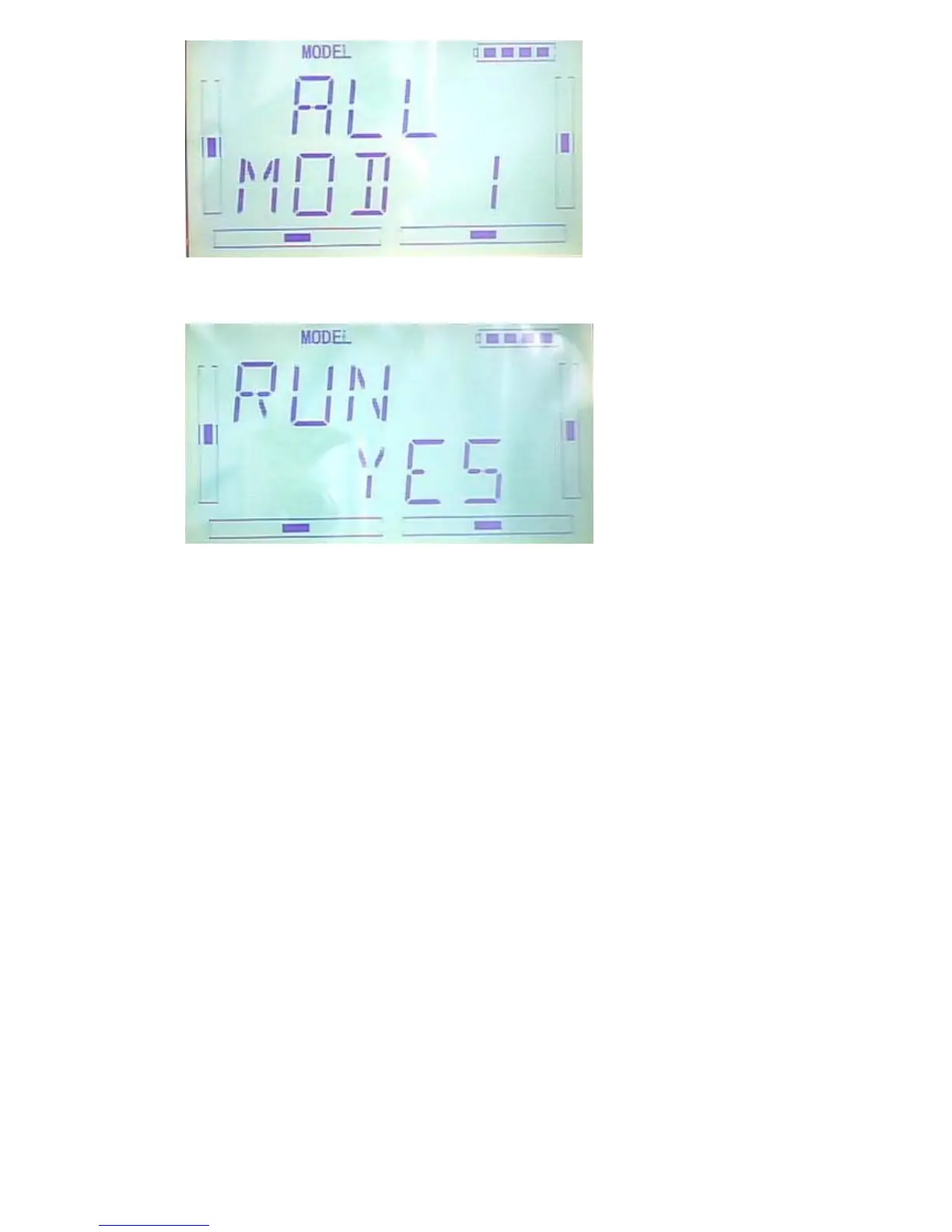
Press ENT to choose the model name that need to be reset,the enquiry interface of
whether to reset will be shown. Press R or L to select YES for reset or NO for Cancel
After choosing YES,please press ENT to reset and return back to menu after reset.
Press EXT to exit.
2.6(TYPE)
This device offers two model types menu. They are helicopter and airplane
respectively.
Press “ENT” key to enter Main Menu, press UP or DN until “MODEL” flash , and then
Press “ENT” key to enter Model Menu; Press UP or DN button until “TYPE”becomes
flash;Press “ENT” key to get helicopter and Aeroplane selections. Press R or L button
until selected model becomes flash, Press ENT button to confirm, then press EXT to
exit.



 To Next Page