DEVO-7 Page 109 of 170
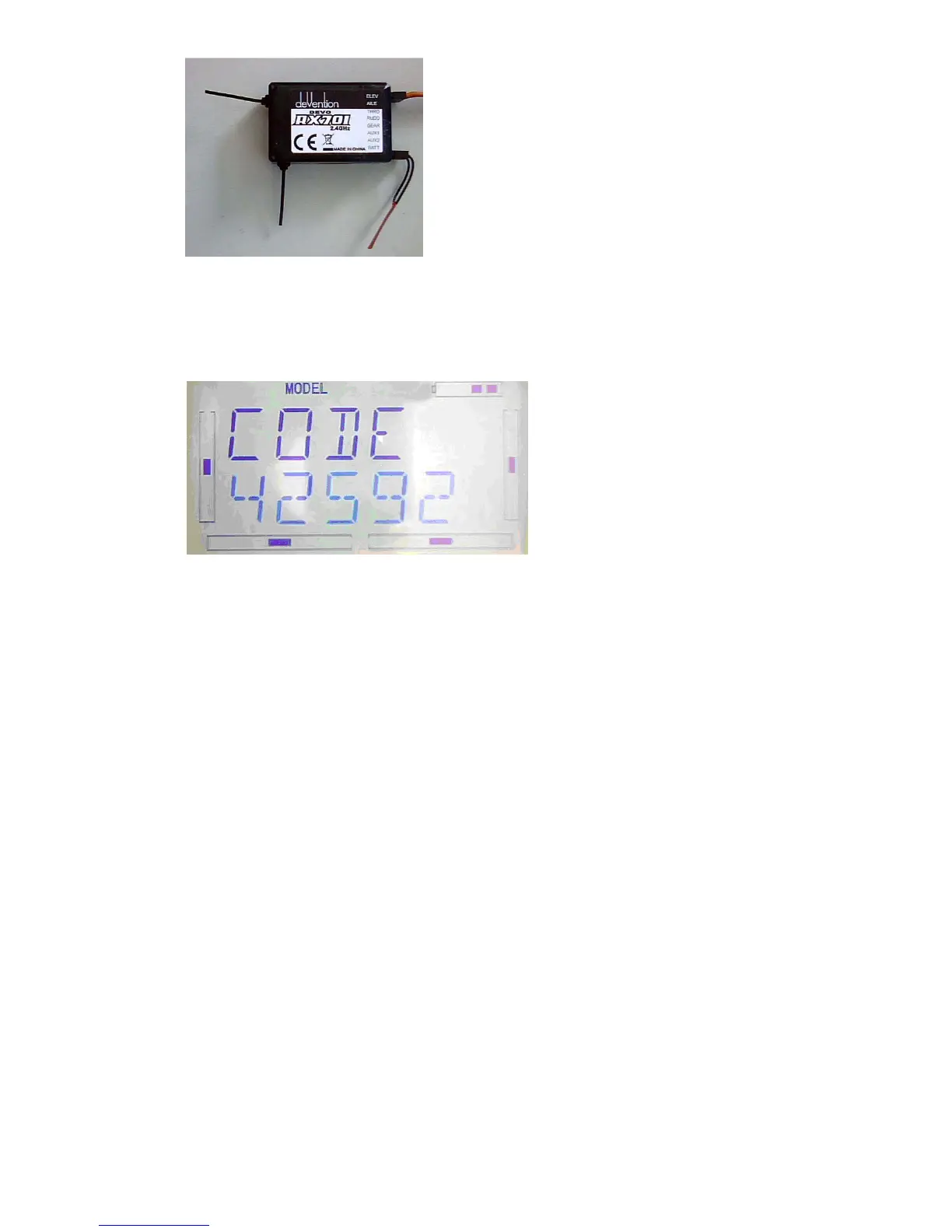
After cancelled the finxed ID code in the receiver, transmitter has to reset relatively.
Refer to the above fixed ID setting step,once to the below interface, press UP
Once appear below interface, press R or L to change on to off, press EXT to exit.
3.0 Function Menu
Function Menu can help you make CUSTOM adjustments for the selected models.
The menu includes such items as Reverse Switch, Travel Adjust, Sub Trim, Dual Rate
and Exponential, Throttle Hold, Throttle Curve, Roll Stunt, Difference Setting, Balance
Setting,Gyro Sensor,Governor,Aileron-Rudder Mix,Elevator-Flap Mix, Rudder-Aileron
/ Elevator Mix, Flap System, Aileron-Flap Mix, Program Mix, Monitor, Fail Safe, Trainer,
and Timer.
3.1 Reverse Setting
Press ENT to enter the flashing main menu, Press UP or DN to flash “FUNCTION”,
and then press “ENT” to enter Function Menu; Press UP or DN to flash “REVSW”;
Press ENT, The options for Channel Name and flashing Reverse Switch will be shown.
Press R or L to change NOR or REV state. Press DN, there are Reverse Switches in



 To Next Page