DEVO-7 Page 108 of 170
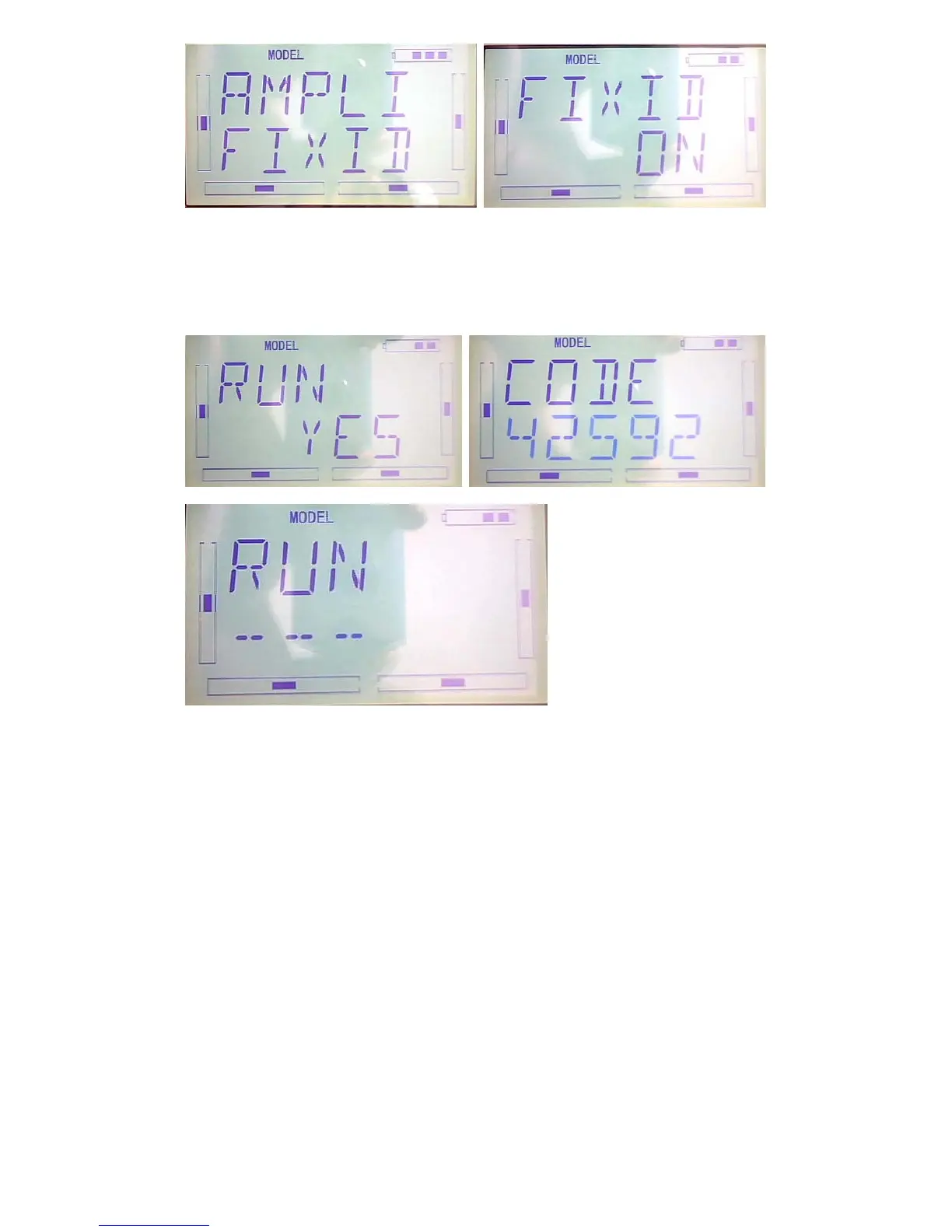
Press ENT to change the letter blinking , press R or L to change the number, press DN
to move to adjust the next number, once finished ,press ENT to appear “RUN
interface”, press R or L to change ON to YES, press ENT to pair the ID code,it will be
back to the model menu automatically, once finished.
2) Fixed ID cancellation
Insert the assorted BIND PLUG into the output terminal of BATT before the receiver is
powered on, and then plug 5V DC power into other output terminal. The red light of
receiver will flash slowly. This means the fixed ID code has been cancelled. Pull out
BIND PLUG.



 To Next Page