DEVO-7 Page 111 of 170
is reverse, change the sign “+””-” before value. Press DN button, there are neutral
point value setting options in turn for AILE, THRO, RUDD, GEAR, FLAP, GYRO and
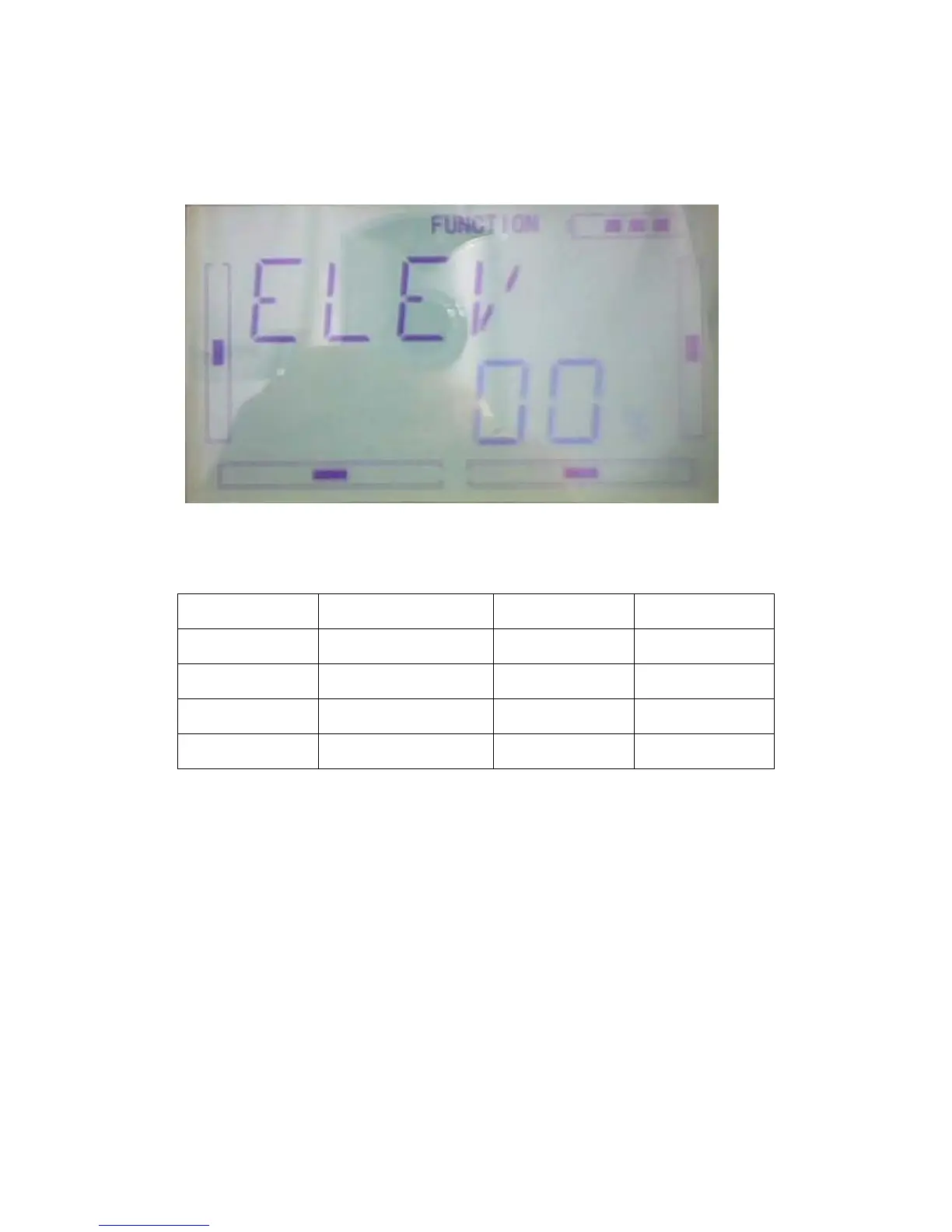
so on. The setting are the same as above, here we take the ELEV for example. Its
picture as below:
Every Channel default setting value is 0.0%. The adjustment ranges are as below:
Channel Name Adjustment range Channel Name Adjustment range
Elevator D62.5%-U62.5% Gear -62.5%- +62.5%
Aileron R62.5%-L62.5% Flap D62.5%-U62.5%
Throttle L62.5%-H62.5% Gyro -62.5%- +62.5%
Rudder R62.5%-L62.5%
EXT it for finish.
3.4 Dual rate and Exponiential
After this function is set up, it is possible for D/R switches to control the dual rates of
elevator, aileron, and rudder, respectively. The setting range is covered from 0% to
125%. Under the help with exponential curve adjustment, it is possible to make both
customized settings and automatic settings.
The switch between Dual Rate and Exponential can be performed via pushing or
pulling the Flight Mode lever.



 To Next Page