DEVO-7 Page 112 of 170
1) Channel selection
How to set: Press ENT to flash main menu in main interface, pres UP or DN to flash
FUNCTION, and press ENT to enter into function menu; Press UP or DN to flash
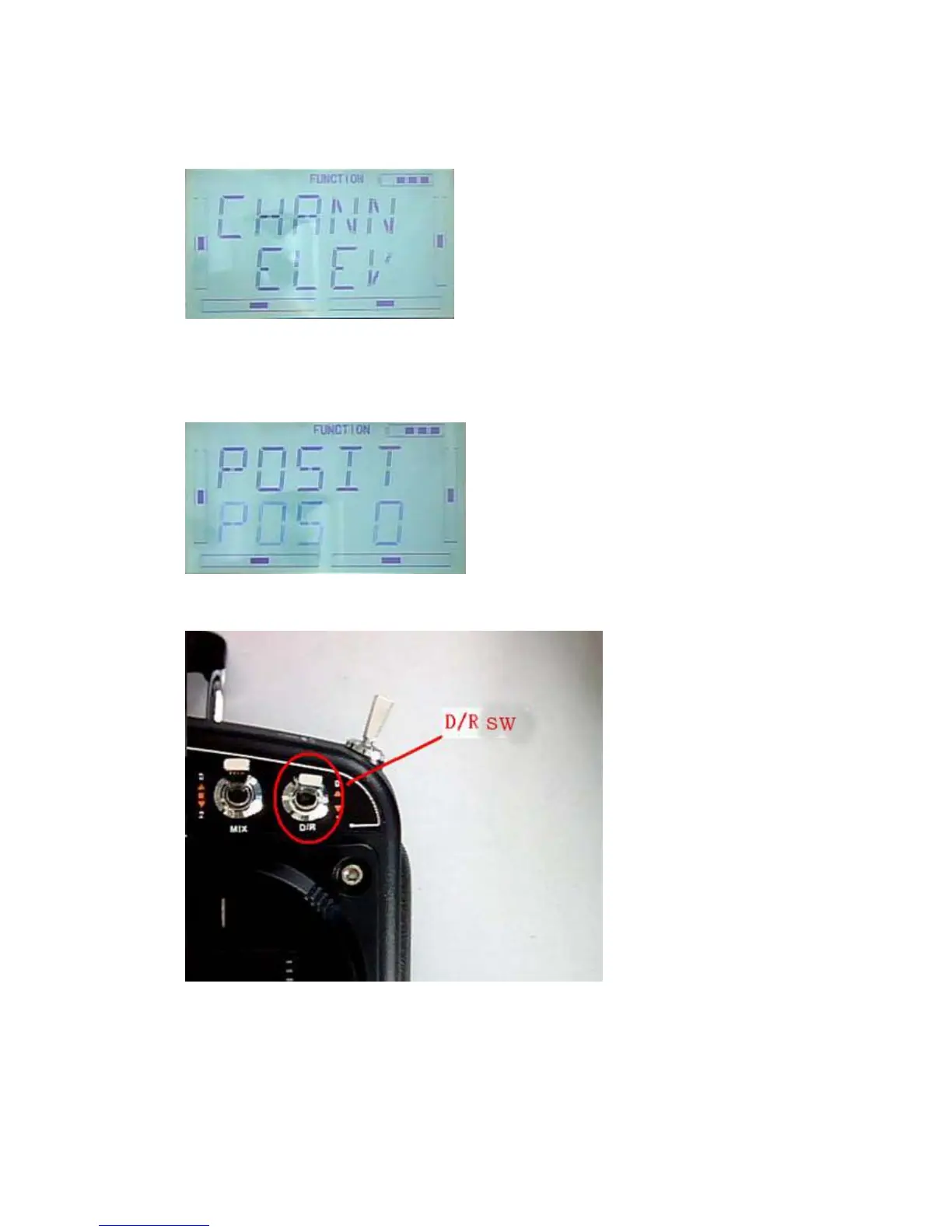
DREXP, press ENT to show Channel name. Press R or L to choose ELEV,AILE,RUDD.
Take ELEV for example, as below image:
2)Position selection
Press DN in above image to show SWITCH POS. There are POS0, POS1 and POS2.
Press R or L, the switch will be taken place among POS0, POS1 and POS2
D/R switch postion on Radio
3) Dual Rate adjustment
After your POSTION setting, press DN to show D/R interface, press R or L to set D/R
value.



 To Next Page