DEVO-7 Page 48 of 170
Ext it to finish.
3.5 Throttle hold
If this function is activated, the switch will be executed by hold switch. The setting
value of throttle hold is ranged from -20.0 to 50.0%. The default setting is “Inhibited”.
Setting method:
Press ENT to enter the Main Menu. Press UP or DN until “FUNCTION” flash, and then
press ENT to enter Function Menu; Press UP or DN to blink “THHLD”; Press ENT to
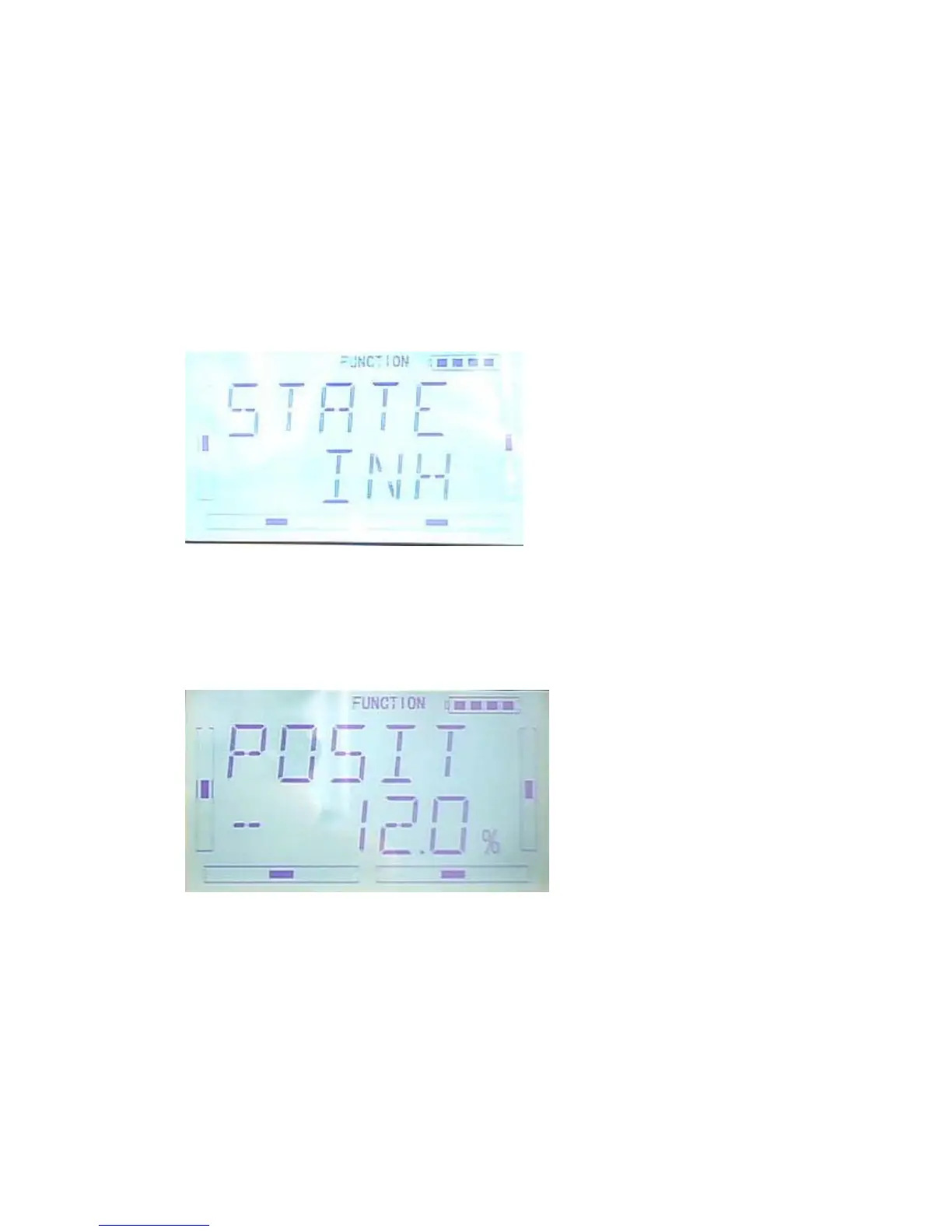
enter the display of Throttle Hold states. Press R or L , ACT (activated) or INH
(Inhibited) is available. Factory default setting is Inhibited.
If throttle Hold is activated, “Throttle Hold Position” Menu will be shown in the
Interface.
“Throttle Hold Position” setting
Throttle Hold is activated, press DN to enter the interface as below:
Press R or L to change the Hold value. The minimum value is -20.0%; The maximum
value is +50.0%.



 To Next Page