DEVO-7 Page 166 of 170
3.20(TIMER)
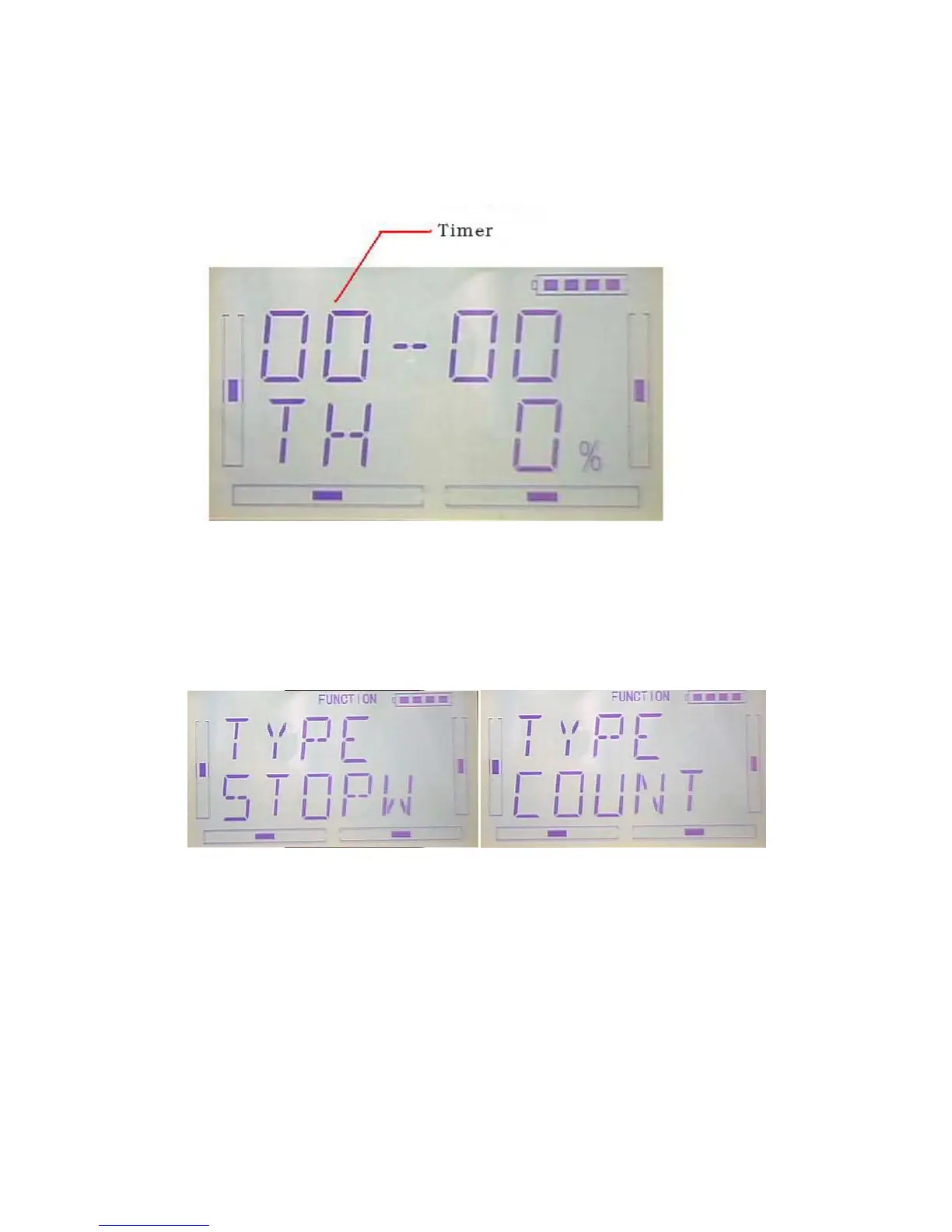
here are two timers which can be set shopwatch and countdown,respectively.Each
timer can be operated by switch.
Press”ENT” to show flash main menu. Press”UP” or”DN” until ”FUNCTION” flash then
press”ENT” to enter function menu; Press UP or DN,make interface showed
flash”TIMER” menu, press”ENT” to enter type selection. There are stopwatch and
countdown. Press R or L to select.
A)Stopwatch setting, the following interface for stopwatch,press EXT to exit



 To Next Page