DEVO-7 Page 23 of 170
Part two: Helicopter
System menu
All the functional settings, which are relative to the operation system of DEVO-7 itself,
are
FULLY integrated in System Menu. They include Display, Buzzer, Stick Mode,
Stick & Lever, and About.
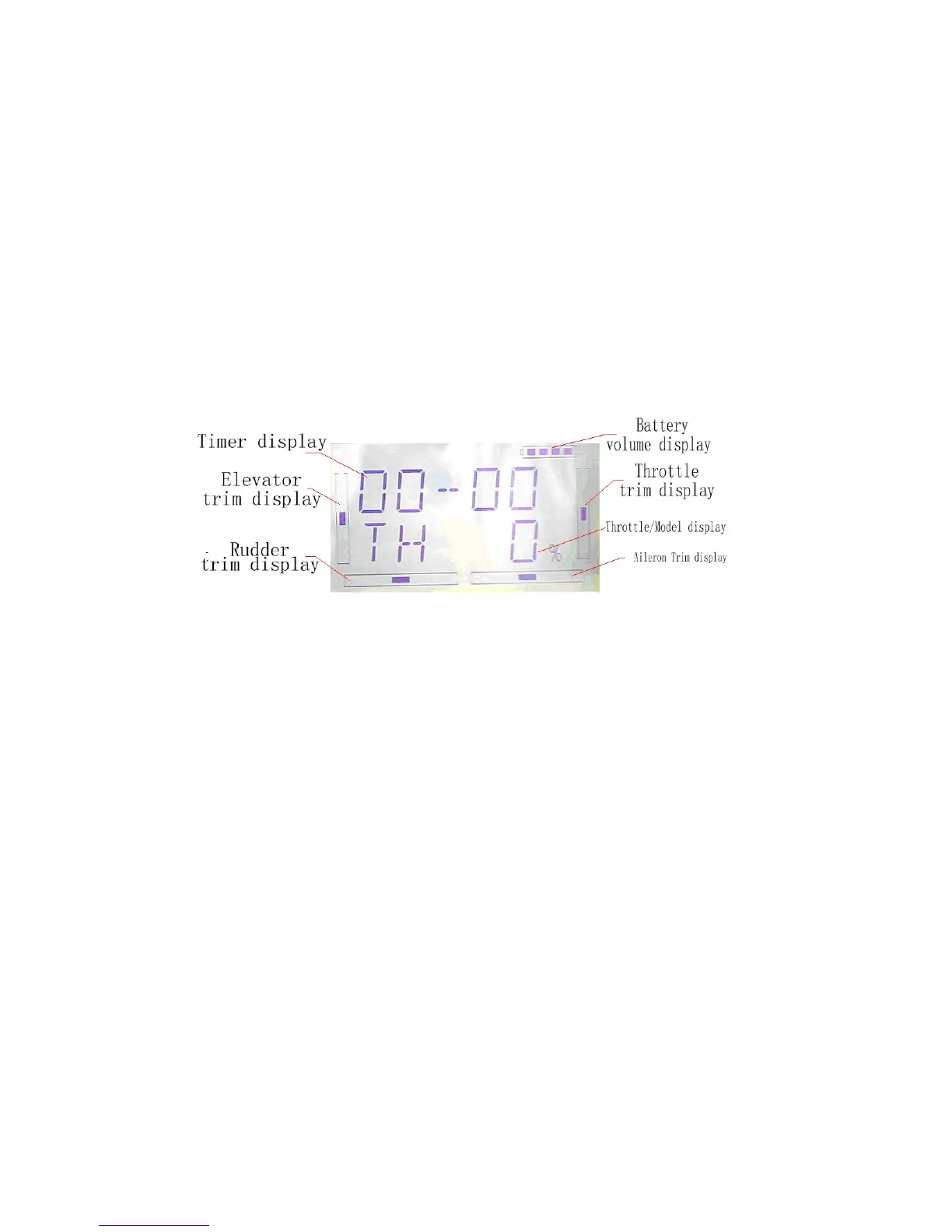
Below is the boot screen of helicopter:
1.1 Display
1.Backlight lightness: the backlight lightness is adjustable by touching the navigation
marks. The power consumption will be increased if the backlight lightness is too bright
and the battery cruise duration will be shortened.
2.Backlight time out: it is possible to set the duration which LCD stays at highlight in
the form of “Always on” or any period from 5 to 60 seconds with an interval of 5
seconds.
3.Setting: press “ENT” key to get the flashing main memu. Press UP and DN keys
until “SYSTEM” becomes flashing, then press “ENT” key to the system menu. Press
UP or DN to get the flashing “DISPL”menu, press “ENT” to go to backlight
adjustment interface. Press R or L to adjust the backlight lightness or close it.



 To Next Page