DEVO-7 Page 144 of 170
3.14(FLAPS)
This function can modify some effects on elevator. It is possible to set three statuses
of elevator and three statuses of flap, respectively, through three-way flap control
switch.
Setting method:
press “ENT” key to get the flashing main memu. Press UP and DN keys until
“FUNCTION” becomes flashing, then press “ENT” key to Function menu. Press UP or
DN key until “FLAPS” becomes flashing; Press ENT key, you will find the ELEV normal
setting under the FLAPS interface.
1) Elevator setting
There are three options: Normal, Midpoint and Land.
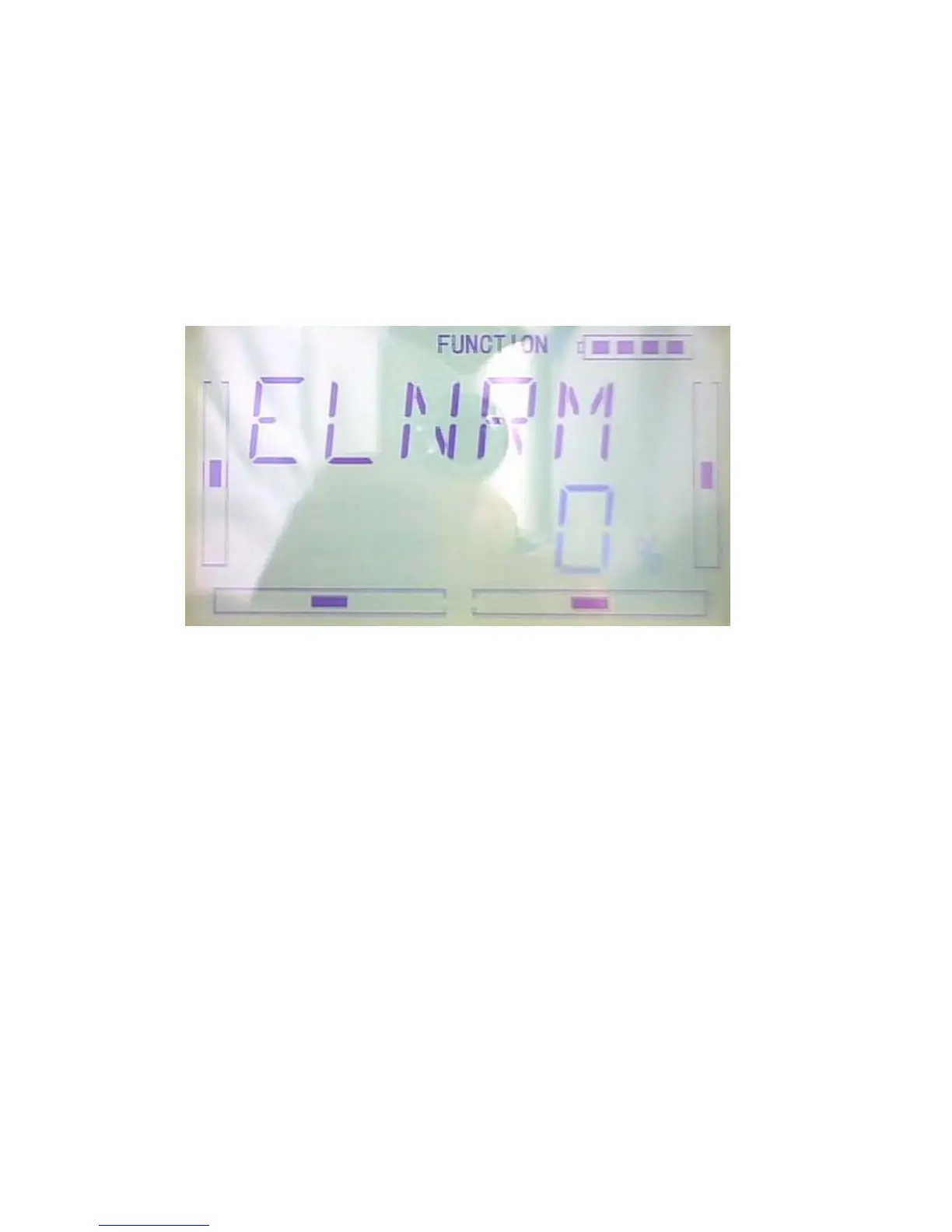
1.1)Normal position: Press R or L keys to change the ELEV gyro mix amount. It is
possible to change the direction by altering D or U before the amount. The default
setting is 0%, and the adjustable range is U125% to D125%.(see illustration below)



 To Next Page