DEVO-7 Page 90 of 170
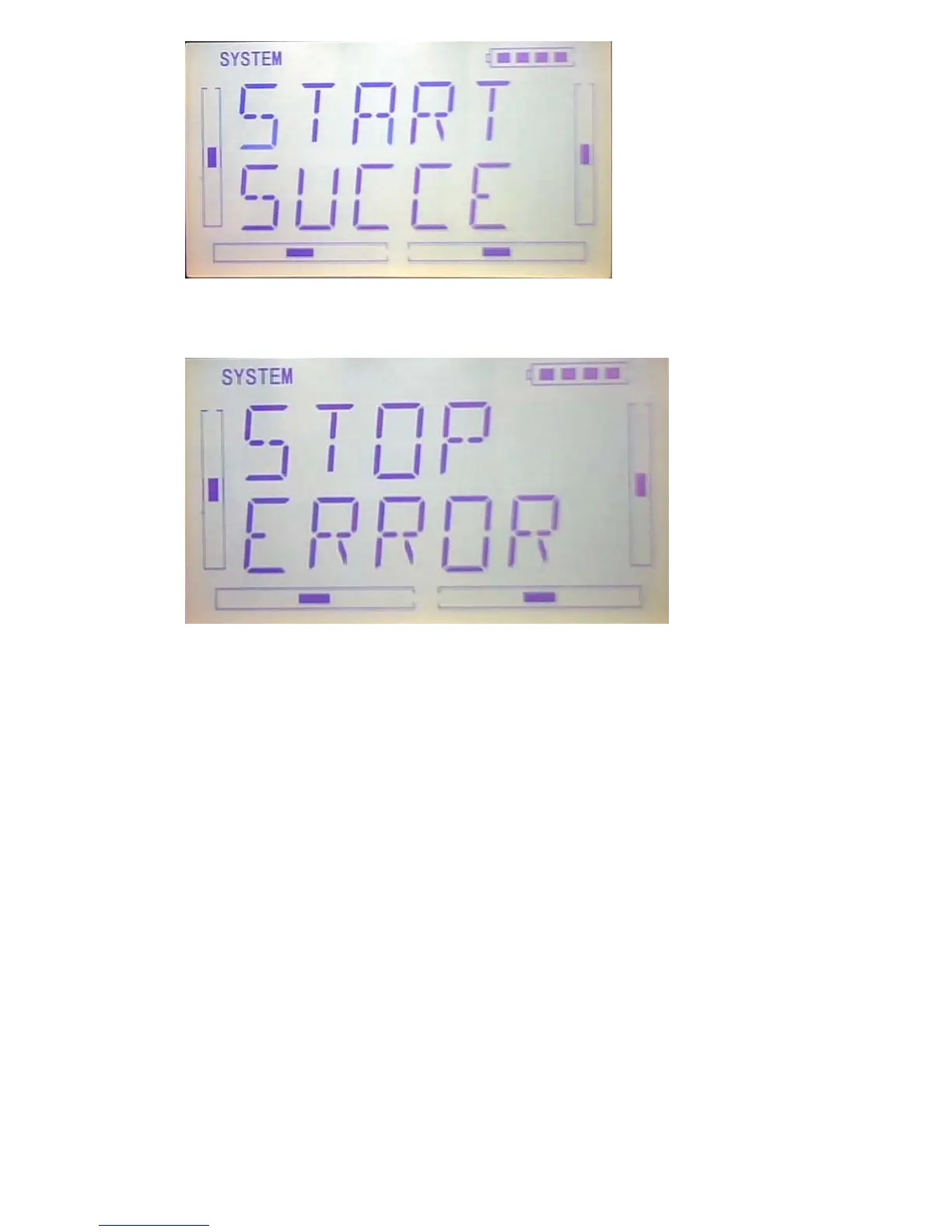
If shows below interface after press EXT, it means calibration failed and you should
calibrate again
Press EXT to exit after finish.
1.5(ABOUT)
Press the key “ENT” in main Interface then it will show a twinkling Menu. Press “UP”
or “DN” to get a twinklyng “SYSTEM”, And then press “ENT to enter system menu.
Press “UP” or “DN” to get twinklyng “
ABOUT”. And then press “ENT” to get SOFT
interface, you can check the versions of hardware and software.



 To Next Page