DEVO-7 Page 163 of 170
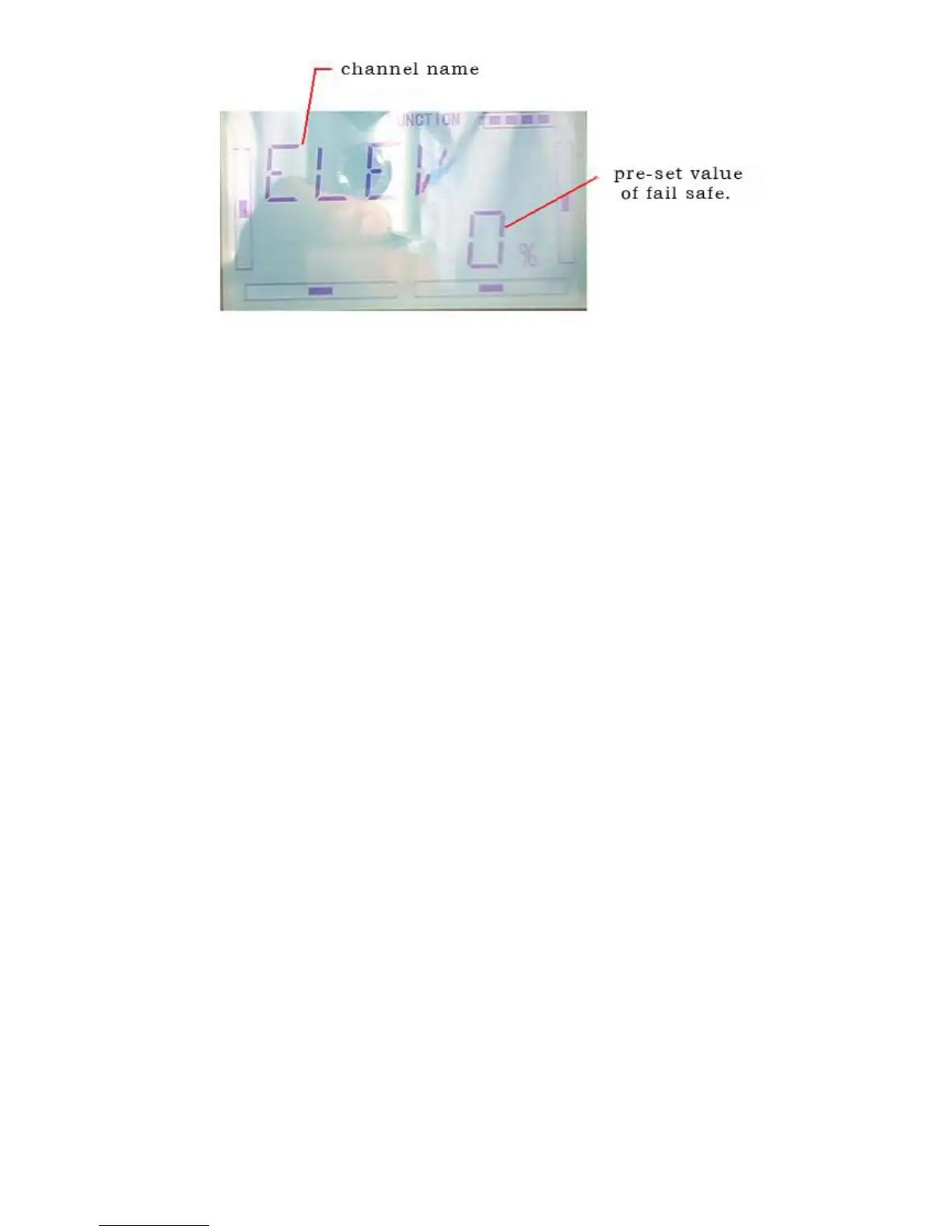
press R or L(if Elevator is at Servo Hold, and 0%) , decrease or increase, the position
amount which centers on the neutral point of servo. The settable range is 125%, and
0% is the servo’s neutral position.
Press DN to confirm enter other channel.
The setting methods for other channels are same as above
Click the “EXT” to exit after finished.
Note: checking whether all the actions when fail safe happened are correct is a must
after the setting is finished. It is dangerous to use full throttle, especially after fail safe
taken place.
3.19(TRAIN)
Two DEVO-7 transmitters working together can execute the training function to meet
the requirements for the beginner. The setting method is shown as below:
1)Data copy
First,using the wireless copy function of the two DEVO-7 transmitters.the model data
saved in the trainer’s transmitter can be transmitted to the trainee’s to ensure the
model parameters are exactly same.Regarding the copying method,,refer to “2.4
Model Wireless Copy”
2)Linkage
Insert the signal wire from the trainer’s transmitter into the DSC socket of the trainee’s
transmitter. Turn on the transmitter and a linkage icon will be shown on the boot
screen PC 0%( and MOD alternate display), shown as below. Find out the trainee’s
model data



 To Next Page