DEVO-7 Page 29 of 170
Press EXT to exist after finished.
2.0(Model Menu)
Model Menu manages all the model data saved in DEVO-7. It includes Model Select,
Model Name, Model Copy, Model Transmit, Model Receive, Model Reset, Type Select,
Trim System, Device Select, Device Output, Swash Type, Power Amplifier and Fixed
ID.
2.1(Model select)
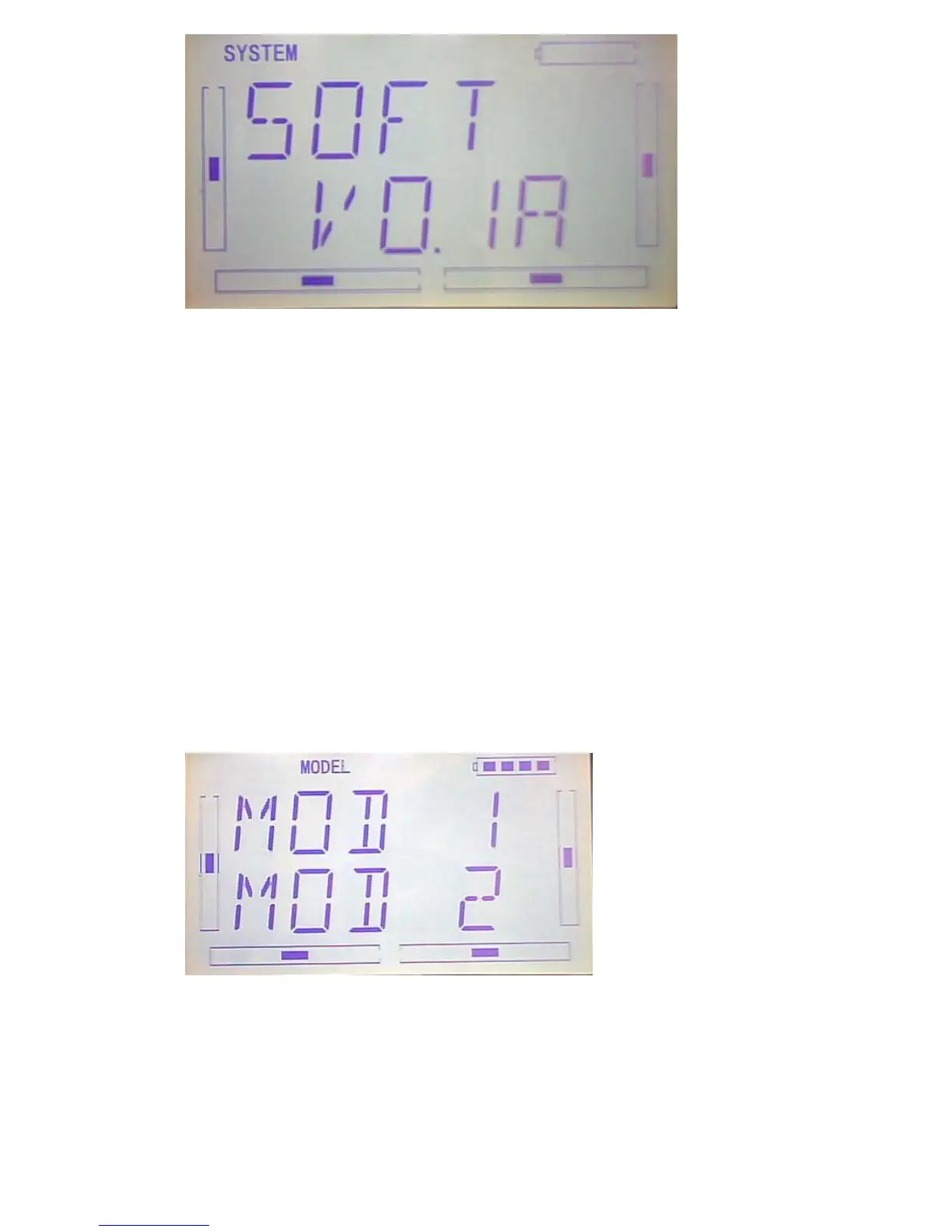
Press “ENT” button to enter Main Menu, press UP or DN until “MODEL” becomes
flash, then Press “ENT” button to enter Model Menu; Press UP or DN until “SELEC”
becomes flash and then press “ENT”key to get model options.
Press UP or DN key to flash the model you desired, total 15 models are optional.
Press ENT to confirm, then press EXT to exit.



 To Next Page