DEVO-7 Page 20 of 170
2) Fixed ID cancellation
Insert the assorted BIND PLUG into the output terminal of BATT before the receiver is
powered on, and then plug 5V DC power into other output terminal. The red light of
receiver will flash slowly. This means the fixed ID code has been cancelled. Pull out
BIND PLUG.
After the receiver’s Fixed ID cancelled, the transmitter also need to have
corresponding reset setting.
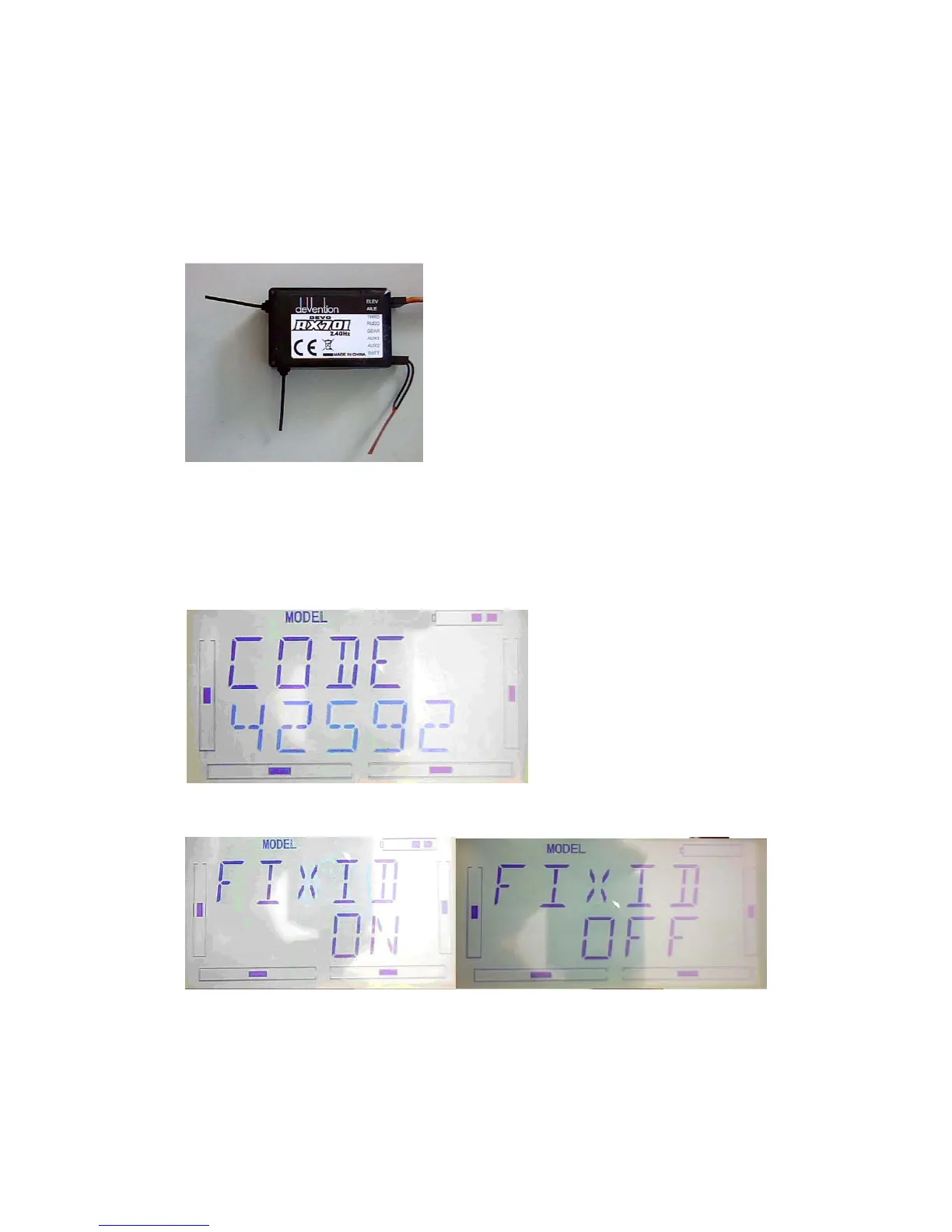
Refered to above fixed ID setting, if come to the following Image, press UP.
If come to the following image, press R or L , turn ON to OFF, press EXT to exit.
11.0 Installation requirement for receiver
1) / It is important to correctly mount your radio system in your model. Below are



 To Next Page