DEVO-7 Page 49 of 170
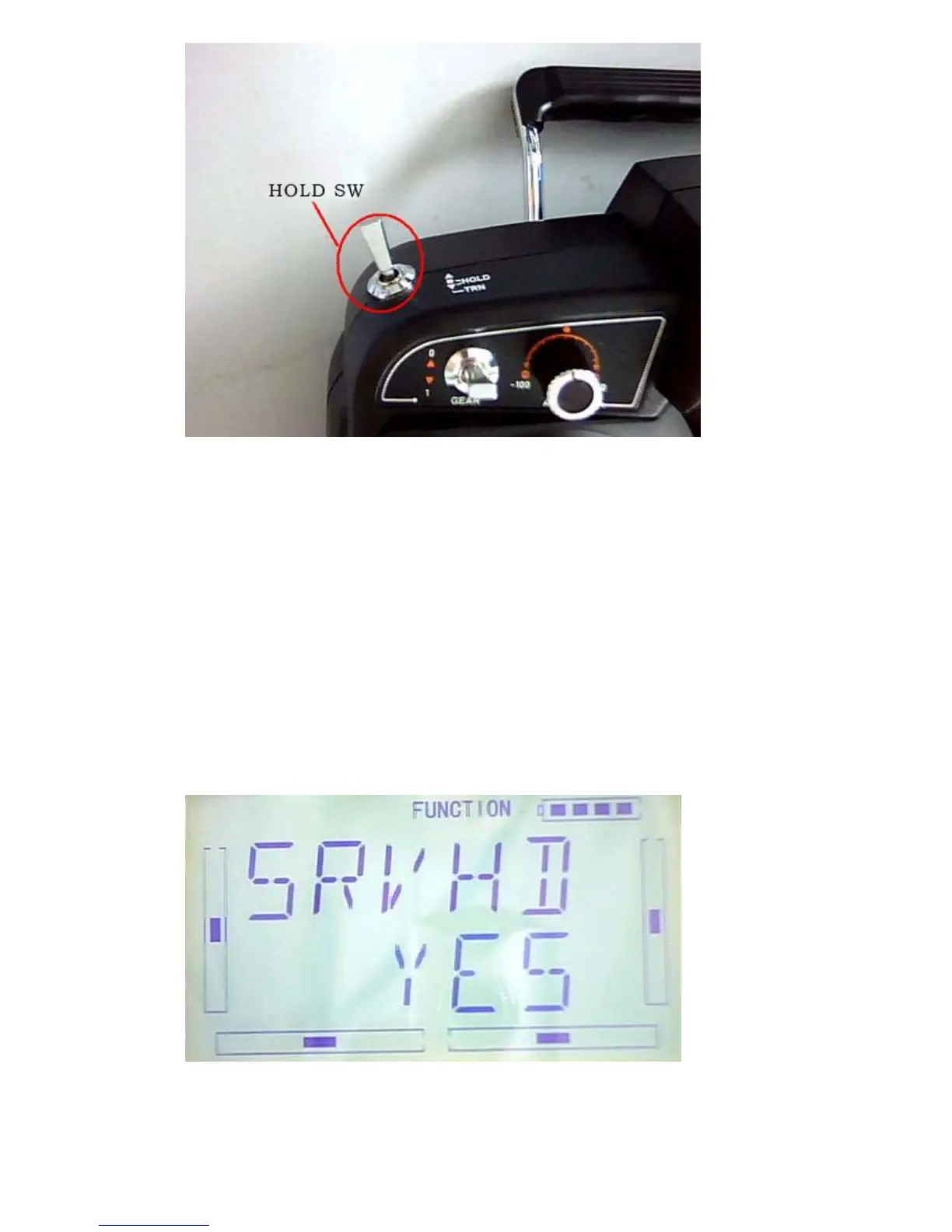
The Throttle Hold Switch “HOLD” forward is to “start” , the Throttle Hold Switch
“HOLD” backward is to”close” and then Throttle Hold state is dismissed.
EXT it to finish.
3.6Throttle Curve
Press ENT to enter the flashing Main Menu. Press UP or DN until “FUNCTION” flash,
and then press ENT to enter Function Menu; Press UP or DN to blink “THCRV”; Press
ENT to enter the interface of Servo Hold State, Press R or L to choose YES or NO.
Press ENT to confim.
Flight Model options will be shown in the interface, there are NORM, ST1, ST2.



 To Next Page