DEVO-7 Page 96 of 170
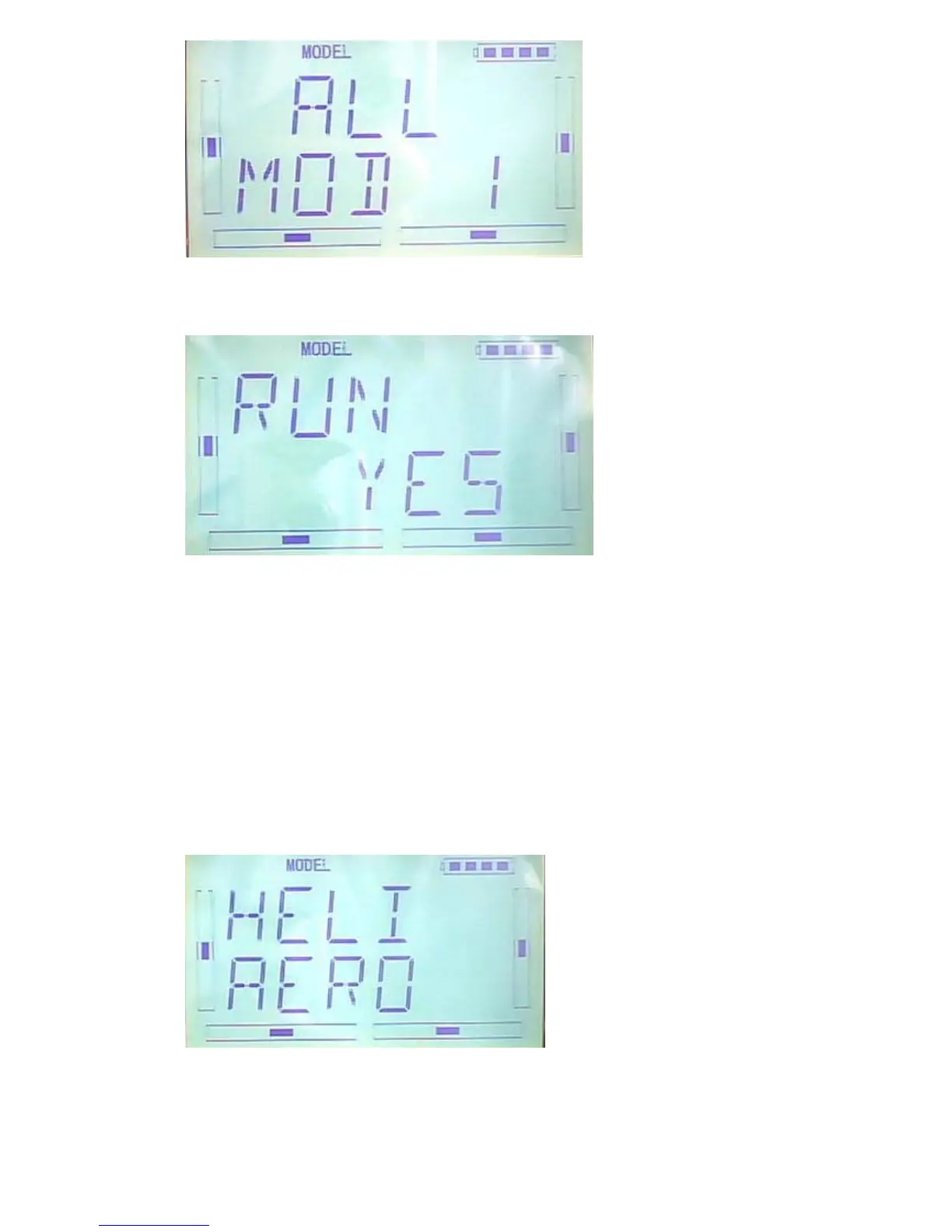
Press ENT to enter the inquiring interface. Press R or L to choose ON or YES, press
YES to continue and press NO to give up.
Press ENT to confirm and back to menu. Press EXT after finish.
2.6TYPE OPTION
There are two type for option: helicpter and airplane.
Press ENT to flash main menu in main interface. And press UP or DN to flash MODEL,
and press ENT to enter into model menu. Press UP or DN to flash TYPE, and press
ENT. There are helicopter and airplane for option, press R or L to flash the item be
chosen.
Press EXT after finish



 To Next Page