DEVO-7 Page 28 of 170
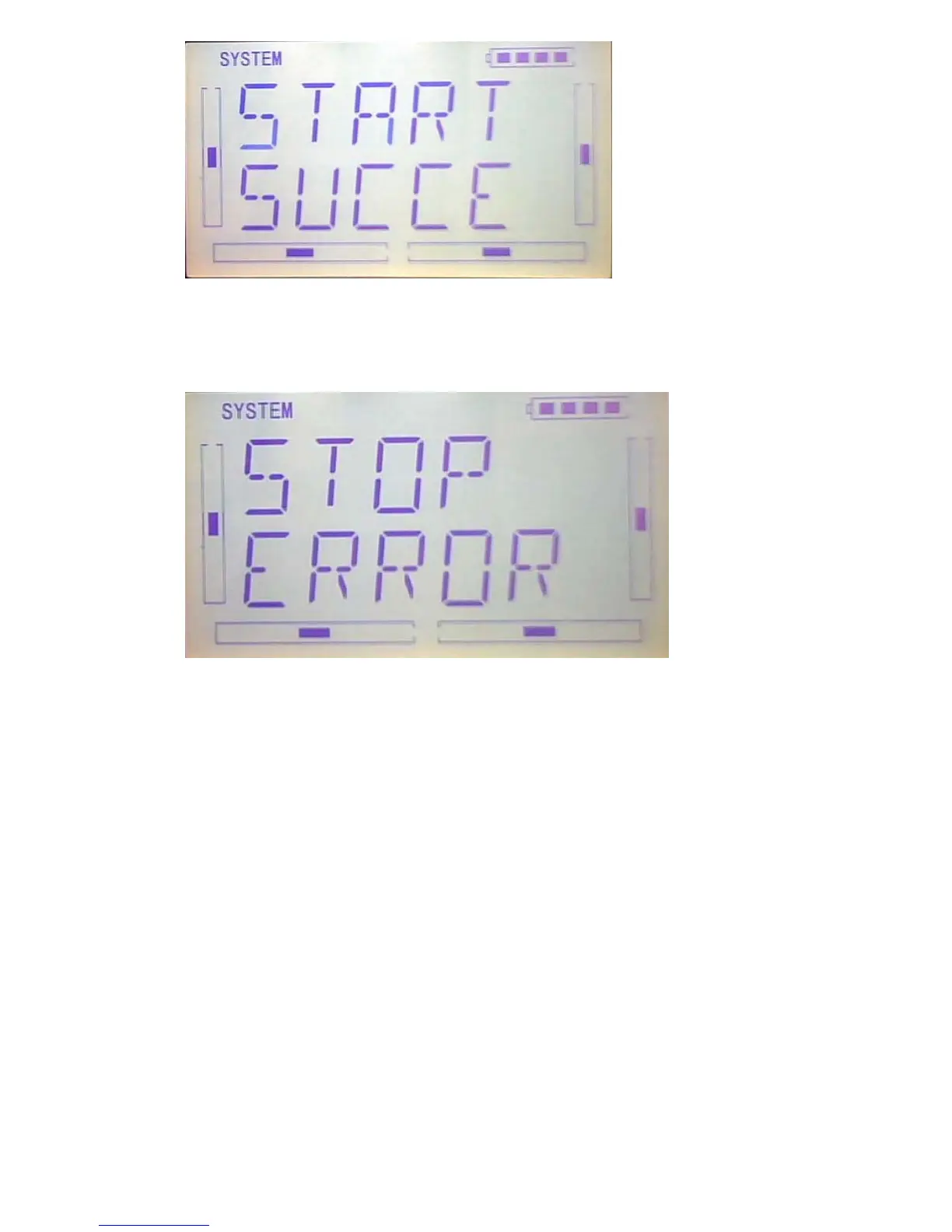
When you get the below interface after pressed ENT key, it shows the calibration is
failed, then you need to repeat the calibration.
Press EXT key to exist after finished.
1.5(ABOUT)
press “ENT” key to get the flashing main memu. Press UP and DN keys until
“SYSTEM” becomes flashing, then press “ENT” key to system setting menu. Press
UP or DN key until “SOFT” becomes flashing; Press ENT key, you will find the version
information under the SOFT interface.



 To Next Page