DEVO-7 Page 97 of 170
2.7 Trim system
Trim System is able to finely tune the following six items, respectively: Elevator,
Aileron, Rudder, Throttle, Left Trim, and Right Trim. The trim range is divided into 20
grades (factory default is set at 4). It is convenient to subtly modify the pitch by
adjusting the trim range.,settings are belows:
Press ENT in the main interface,main menu blinking,,press UP or DN to sppear
“MODEL”then press ENT to enter model menu, press UP or DN, “STEP”
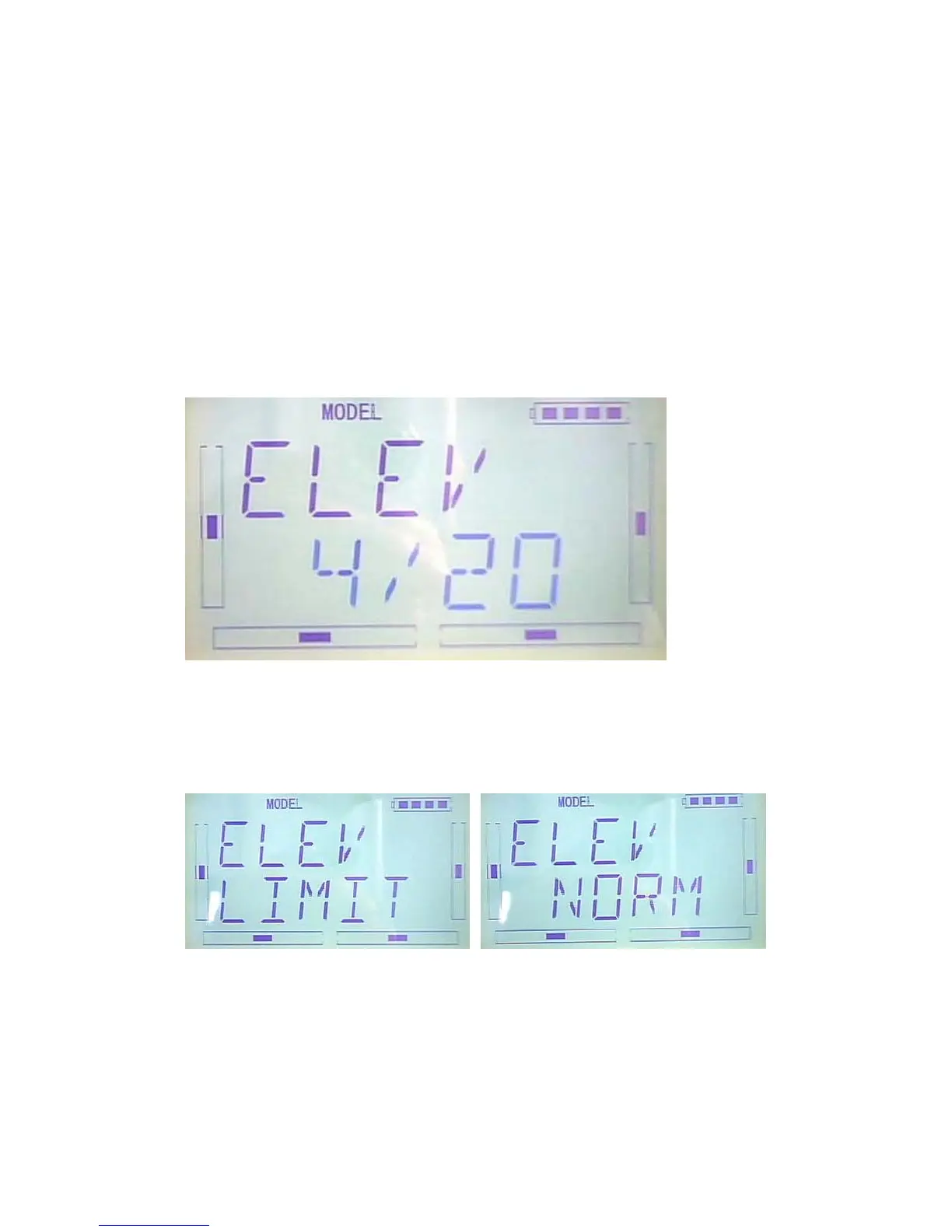
blinking,Press ENT to appear selectable options, there are elevator, aileron, and
rudder, step range,Press R or L to change the step range,the maximun is 20
there are elevator, aileron, and rudder, Normal and Limited. “Normal” means the
trim is always working although the corresponding stick stays anywhere. “Limited”
means the trim is out of working when the corresponding stick is at maximum position.
Press R or L to select Normal and Limited,once finished, press EXT to exit.
2.8 Device select
This setting can help you configure various functional switches, or adjust levers. It



 To Next Page