DEVO-7 Page 120 of 170
3.7 Differential
If want to use this function, Flaperon, DELTA, should be previously selected in Wing
Type of Model Menu. Refer to “2.10 Wing Type”.
Setting Method:
Press “ENT” in the main interface to appear blinking main menu, press UP or DN to
appear blinking “FUNCTION”, press “ENT” to enter function menu, press UP or DN to
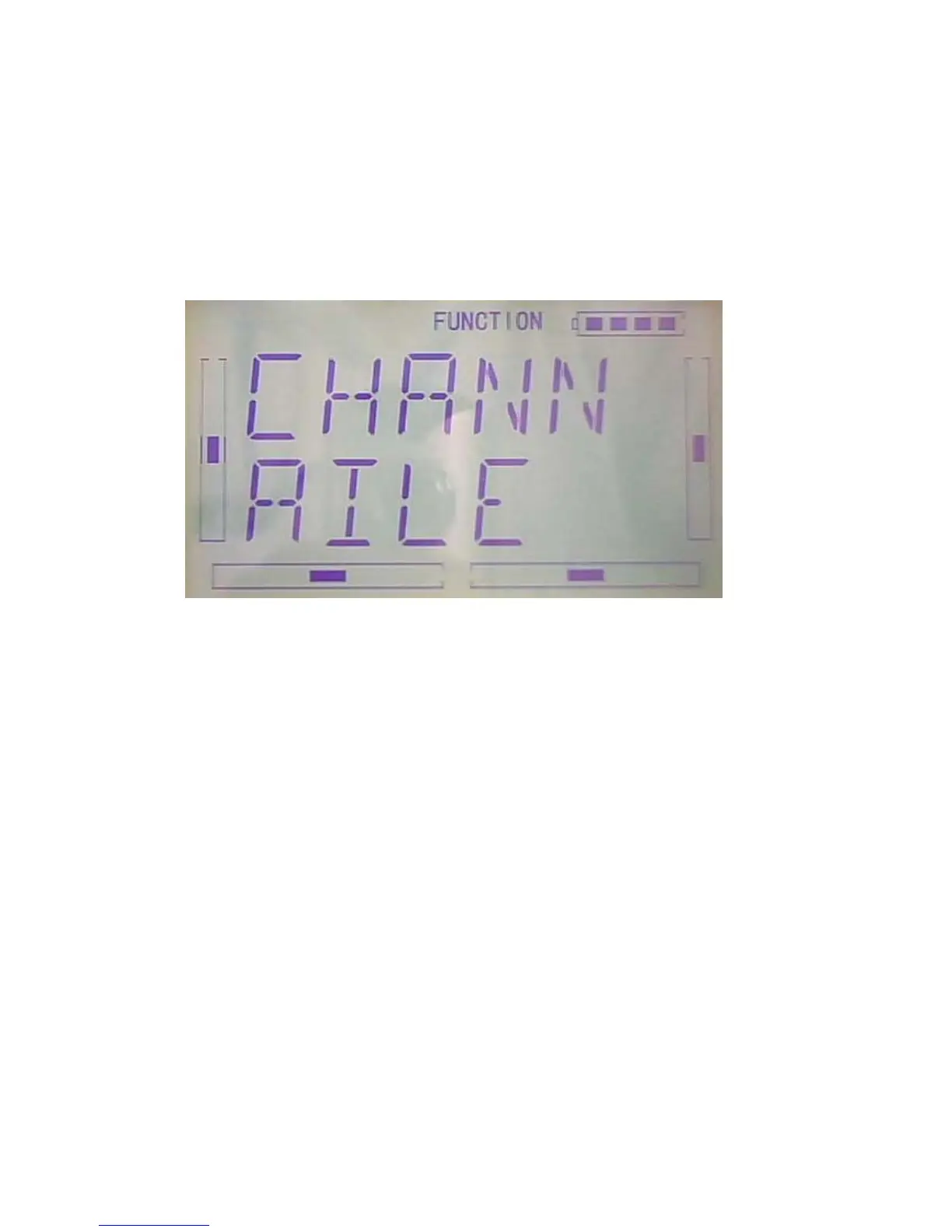
appear blinking “DIFFE”, press ENT to appear channel display interface, see below.
A. Aileron differential setting
Mounting servos in left and right ailerons are a must if using this function. The
following interface will be shown after Flaperon, DELTA, selected in Wing Type. Refer
to “2.10 Wing Type”.Press DN in the above interface to enter position setting interface,



 To Next Page