DEVO-7 Page 121 of 170
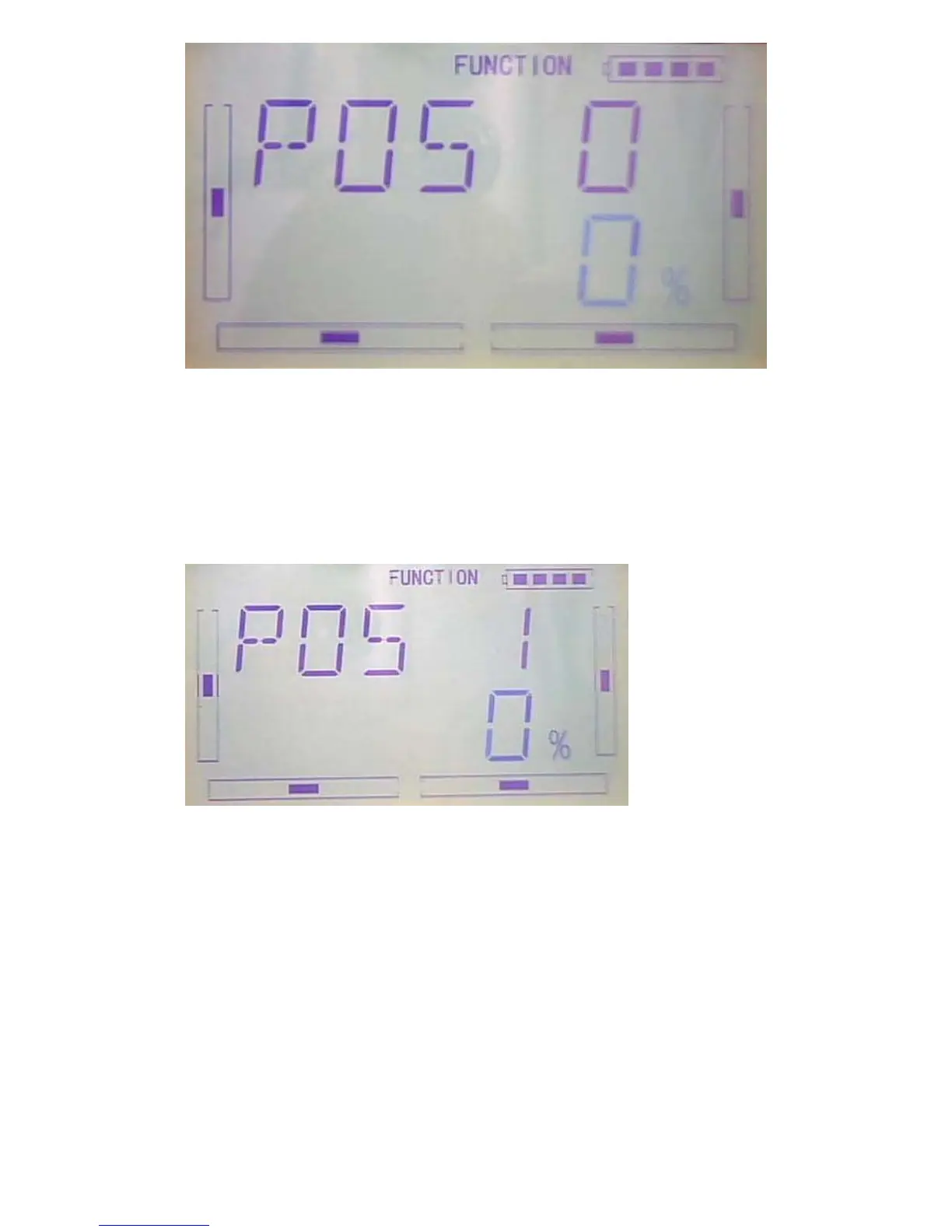
1) Setting for Pos 0
Press R or L of Pos 0 to decrease or increase,The adjustable range is ± 100%.
2)Setting for Pos 1
The setting is same as above.
3)Switch selection
It is possible to switch by setting switch when differential is in use.
After setting Pos1 , press DN to enter “switch”item setting interface to display switch
item and current switch status.



 To Next Page